The Elementor Pro price is one of the first questions freelancers and business owners ask once they outgrow the free page builder. This guide is for website owners, freelancers and small agencies in Bangladesh who build sites with Elementor and want to understand the license options before paying. We explain what Pro adds, what shapes the cost, how yearly licenses and renewals work, how to buy without trouble from Bangladesh and which mistakes waste money.
We will not quote figures here, because official plans and offers change during the year and any number would go out of date quickly. Instead, we focus on the questions that matter more than a single figure: how many sites you need to cover, how long the license runs, whether template library access is included, who handles installation and what happens when the year ends. With those answers clear, comparing offers becomes simple.
As an example of a local option, we look at the Elementor Pro Plugin – Design Freedom 2025 offer on Themeve, a one-year license with full access to the Elementor Pro library. Elementor is made by its own developer, not by Themeve; Themeve provides access to the Pro plugin and its library for a year. First, though, let us look at what Pro actually changes compared with the free version.
Free Elementor vs Elementor Pro: What Changes
The core Elementor builder is free and available from the Elementor page on WordPress.org. With it you can design pages by dragging sections and widgets, and many simple sites never need more. A small brochure site for a local shop, a single landing page for a Facebook campaign or a personal portfolio can often be built well with the free version and a good theme.
Pro becomes worth it when you hit the limits of the free widget set or keep rebuilding the same things by hand. Elementor Pro adds Pro widgets and access to the full template library with premium templates, so you can start from a finished design instead of a blank page. Before buying, list what you actually need for your next three projects, then check the official feature list on elementor.com to see which items require Pro and which are already free.
What Shapes the Elementor Pro Price
The first factor is the number of websites. Official plans differ mainly by how many sites a single license can activate, so a freelancer building one client site has very different needs from an agency running dozens. Buying a plan for more sites than you will build this year simply locks money away. Count real projects, not hopeful ones, and remember you can usually move up a plan later when the work grows.
The second factor is time. Elementor Pro is sold as a yearly license rather than a one-time purchase, so the real Elementor Pro price is a yearly cost you should add to your budget or to each client quote. Updates, support and template library access are tied to an active license. Before you buy from any source, read what the official terms say about renewal and expiry, so a client site does not surprise you twelve months later.
The third factor is everything around the license: installation, activation, setup help and support in your own language and time zone. For a business owner without a developer, a slightly higher cost that includes installation may be cheaper overall than a bare license plus hours of confusion. For an experienced freelancer, the license alone may be enough. Judge each offer by what you get in total, not by the headline figure alone.
Elementor Pro License Options Explained
Buying directly from Elementor
Buying an Elementor Pro license directly gives you an account on the official site, where you manage the license, connect sites and download updates. You pay with an international card in US dollars, and the license renews yearly unless you change it. This route suits agencies with dual-currency cards and freelancers who already pay for other tools online, because everything stays in one account under their own name.
Getting access through a local provider
Many owners in Bangladesh do not have an international card or prefer to deal with someone local who can set things up. A local provider can offer a one-year license with installation, which removes the payment and setup steps. If you go this way, ask clear questions: how long the license runs, how many sites it covers, whether template library access is included, how updates arrive and who to contact if something stops working.
Whatever route you choose, avoid nulled or cracked copies shared on Facebook groups and download sites. They often carry hidden code that injects spam links or redirects, they cannot connect to the template library and they break with updates. A legitimate Elementor Pro license, bought directly or through a provider, protects your site, your clients and your reputation as a freelancer.
What You Get With Themeve's One-Year Elementor Pro Offer
The Themeve offer is a one-year full license with all Pro widgets and full access to the Elementor template library, including premium templates. It lets you build professional websites visually with drag-and-drop tools and no coding. It works with any WordPress theme, which matters if your site already runs on a theme you like and you only want better page design rather than a full rebuild.
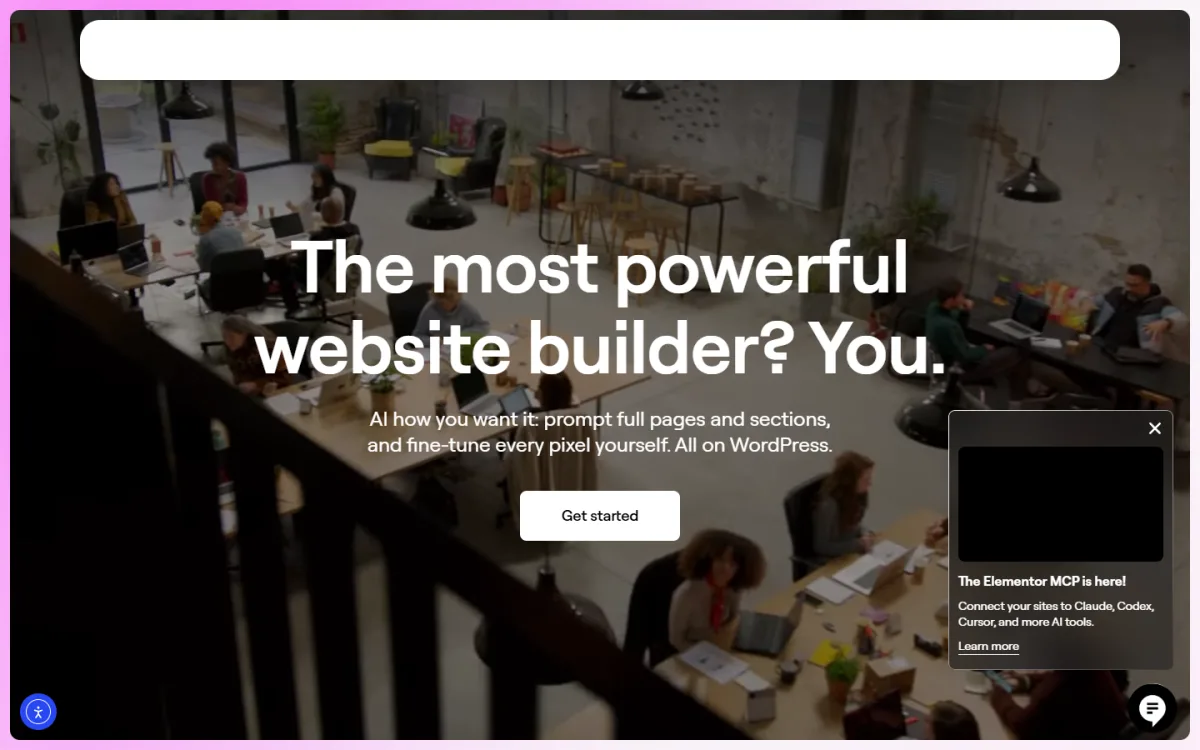
The offer is aimed at freelancers, agencies and business owners building landing pages, online stores and blogs. Pages built with Elementor Pro are designed with speed, responsiveness and SEO in mind, so they adapt to phones and tablets. Support access is included during the license term, which helps when a widget behaves unexpectedly or activation needs a second look, especially for owners who are not developers themselves.

Think about how the year will be used. A business owner might use it to redesign the homepage, build two or three campaign landing pages and create a better product page layout. A freelancer might use the template library to speed up client work, starting each project from a premium template and changing colours, text and images to match the brand. Plan these projects at the start so the year is used well.
Getting Started After Activation
Before any big design change, take a full backup of the site. A tool such as All in One WP Migration Pro Plugin 2026 can export the whole site into one file, and it is also useful for building on a staging copy first and moving the finished design live later. Then check that WordPress, your theme and the free Elementor plugin are up to date, since Pro works on top of the free builder.
Start with one page, usually the homepage or your most important landing page. Browse the template library, pick a layout close to what you want, and replace the sample text and images with your own. Keep your brand colours and fonts consistent across pages using the global settings, so every new page looks like part of the same site. Preview each page on mobile before publishing, because most visitors in Bangladesh will see it on a phone.
Do not let the builder replace your content plan. Design helps people trust a site, but regular, useful content brings them back. A news site, for example, might design its homepage and landing pages in Elementor while stories arrive through the editorial team or a feed importer such as Auto News Sync — Automatic News Importer for WordPress for partner content it has permission to use.
Bangladesh Tips for Elementor Users
If you build sites for clients, include the yearly license cost in your quote and explain the renewal in writing. Many disputes between freelancers and clients in Bangladesh start when a site stops receiving updates a year later and nobody remembers who was supposed to renew. Agree at the start whether the client renews, you renew as part of a maintenance package or the license moves to the client's own account.
Bangla text needs care in any page builder. Pick a clear Bangla font, set comfortable line height and test long headings on small phones. Keep pages light: large background videos and many animations look nice on office Wi-Fi but slow down pages on mobile data. For businesses selling through Facebook ads, a fast, simple landing page with a clear order button usually converts better than an elaborate design.
Common Mistakes When Comparing the Elementor Pro Price
The first mistake is looking only at the headline figure. A cheap offer that leaves out library access, updates or support can cost more in lost time. The second is buying a plan for many sites when you only manage one or two. The third is forgetting renewal: if you treat the Elementor Pro price as a one-time cost, the second year comes as a surprise and the client may blame you for it.
Other mistakes are installing nulled copies to save money, which can infect every site on the same hosting account, and stacking many add-on widget plugins on top of Pro, which slows pages and creates conflicts. Some owners also build every page from scratch and ignore the template library they paid for. Use the premium templates as a starting point; they save hours on every project.
Frequently Asked Questions
Why does this guide not list the Elementor Pro price in figures?
Official plans and offers change during the year, so any figure printed here would go out of date. Check the current offer on the product page or the official site, and compare offers by license length, number of sites, library access, updates and support rather than by the number alone.
How long does the Themeve Elementor Pro access last?
The Themeve offer is a one-year license with all Pro widgets and full access to the Elementor template library. Support is available during the license term. Plan your design projects so you get full value from the year, and decide early whether you will renew.
Will Elementor Pro work with my current theme?
Yes. Elementor Pro works with any WordPress theme, so you can improve page design without changing the theme your site already uses. Take a backup first and test on a staging copy if your site is busy or takes orders every day.
Is a nulled Elementor Pro safe to use?
No. Nulled copies often contain hidden malicious code, cannot connect to the template library and stop working with updates. They put your site, your visitors and your clients at risk. Always use a legitimate Elementor Pro license, whether bought directly or through a provider.
Final Thoughts
The right way to judge the Elementor Pro price is to look at what the license covers over a full year: the number of sites, Pro widgets, template library access, updates and support. Count your real projects, plan for renewal and stay away from nulled copies. If you want one year of Pro widgets and full library access set up for your site, check the Elementor Pro Plugin – Design Freedom 2025 offer and plan your first pages before activating it.