If your Zoom calls keep ending right when the discussion gets useful, you have most likely hit a free plan limit, and zoom meeting premium is the usual fix. This guide is for teachers, coaching centre owners, freelancers and small office teams in Bangladesh who meet students or clients online every week. We explain what the free plan allows, where it starts to hold you back, what a paid plan adds, and how to judge whether a monthly upgrade is worth it.
Video calls are now a normal part of work here. Coaching centres run evening batches online, agencies pitch to clients abroad, NGOs hold board meetings, and families keep in touch with relatives in the Gulf or Europe. For a short one-to-one chat the free account is fine. The trouble starts with group calls, long classes and anything you want to record, because those are the exact places where the free plan draws its lines.
Themeve offers the Zoom Premium Subscription – 1 Month Plan for people who need paid features without a yearly commitment. Zoom is built and run by its own company, not by Themeve; the store sells access to a monthly paid plan. We look at what that plan includes later on, after an honest look at the free account, because some readers will find the free plan still covers what they need.
What the Free Zoom Plan Gives You
The free Basic plan is generous for casual use. You can host meetings, share your screen, chat during the call and join from a phone, tablet or computer. At the time of writing, group meetings on the free plan are capped at 40 minutes and up to 100 people can join. Zoom changes its plans from time to time, so check the current details on the official Zoom pricing page before you decide anything.
For a quick check-in with one client or a short family call, that cap rarely matters. For a two-hour coaching class, a training session or a team planning meeting, it matters a lot. Each time the meeting ends, everyone has to click a new link, a few people drop off, and the flow of the lesson breaks. After the second or third restart, many hosts notice that attention and attendance both fall.
Where the Free Plan Starts to Hold You Back
Most people do not need a paid plan on day one. The need grows as online work becomes a regular part of your week. It helps to look at your own calendar and ask a few plain questions: how long are my meetings, how many people join, and do I need a copy of the session afterwards? The answers usually point clearly in one direction.
Long classes and workshops
Teachers are usually the first to feel the time limit. An HSC physics batch or an IELTS speaking class needs a full hour or more of steady teaching, plus time for questions. Restarting the room every 40 minutes eats into that time and looks unprofessional to parents who pay monthly fees. The same applies to freelancers running a long client workshop or a design review with a foreign buyer who expects one clean session.
Bigger audiences
A free room is fine for a team of ten. It becomes tight when you run an annual general meeting, an online admission seminar for a school, a webinar for a product launch or a religious gathering streamed for members abroad. If your audience can grow past a hundred people, plan for that before the event, not ten minutes before it starts while people are already waiting outside the room.
Recordings you can share later
Students miss classes because of load shedding, weak mobile data or exams. Clients want to look back at what was agreed. Without a recording that is easy to share, you end up repeating the same lesson or the same explanation again and again. Cloud recording is one of the most practical reasons small teams upgrade, because the file is stored online and does not depend on the host laptop staying awake.
What Zoom Meeting Premium Adds to Your Calls
A paid plan removes most of the friction above. According to the product description, the monthly plan lets you host unlimited meetings with longer meeting durations, so a class or workshop can run its full length without forced restarts. It also mentions clear video and audio quality, which matters when you are presenting slides or teaching a subject where students need to hear every word.
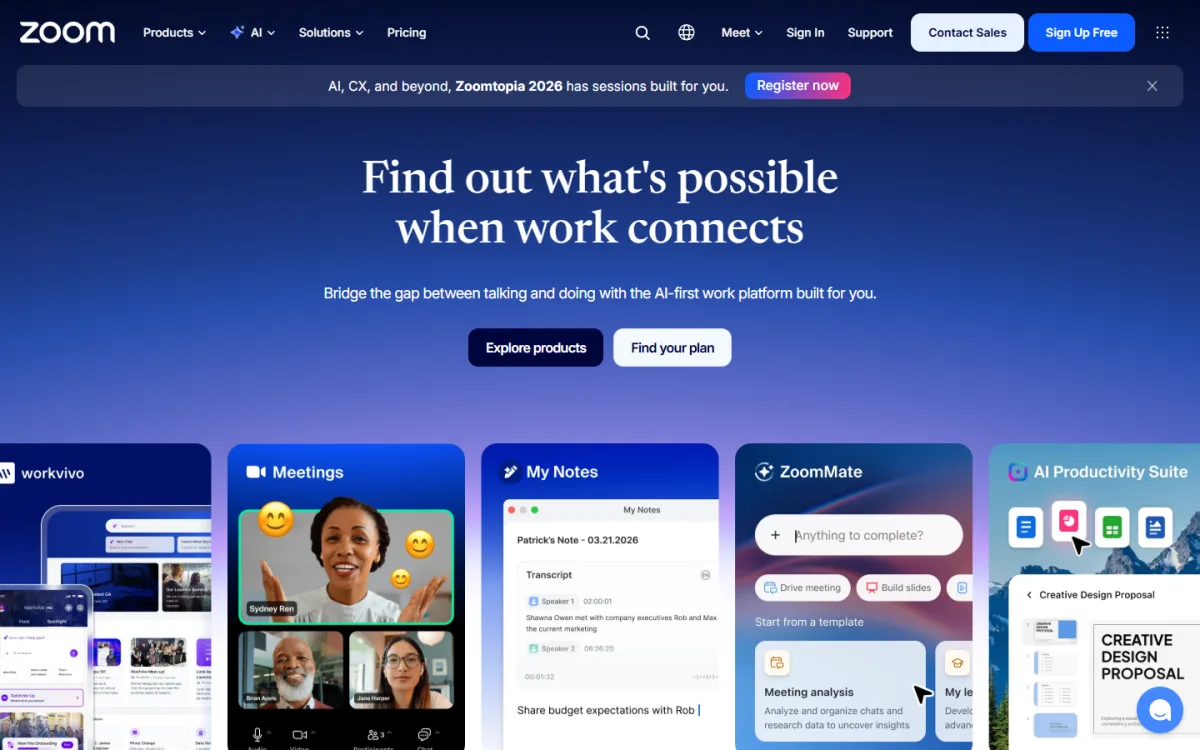
The hosting tools are where the upgrade really pays off. The plan includes cloud recording, so you can save a session online and share it with students who missed it. Screen sharing works as you would expect for slides, spreadsheets and code. Breakout rooms let you split a large class or workshop into small groups for discussion and then bring everyone back together. Virtual backgrounds help you keep a clean, professional look even when you teach from a small room at home.
Scheduling is easier too. The description says the plan works with Google Calendar, Outlook and other scheduling systems, so meetings appear in the calendar your team already uses and reminders reach people on time. For a coaching centre with fixed weekly batches, that alone saves a lot of messages. The plan also comes with warranty and customer support for the subscription period, so you have someone to contact if access stops working during the month.
Choosing the Right Size for Your Zoom Pro Subscription
Not every paid user needs a huge room. A typical zoom pro subscription is aimed at small teams and solo hosts, while larger events need more participant capacity. The Themeve product description mentions meeting sizes of 100, 300, 500 and up to 1000 participants. Before ordering, count the largest meeting you expect in the next month, add some room for growth, and ask support which size matches your order.
A home tutor with batches of thirty students does not need a thousand-seat room. A school running an online parents meeting or a company holding a town hall might. Paying for capacity you never use is a waste, but running out of seats during a live event is worse, because late joiners simply cannot get in. If you are unsure, start with the size that covers your biggest regular meeting and review after the first month.
It is also worth comparing tools. If your team already lives in Gmail and Google Calendar, look at Google Meet Premium – 1 Month Plan as an alternative. Many coaching centres pick one platform for classes and stick with it, because students get confused when links change between apps. Choose the tool your audience can open easily on a budget Android phone, then stay consistent.
How to Start Using Zoom Meeting Premium
Start with your own Zoom account, created with an email address you control and will keep for years. Avoid using a shared office email that someone else might change. Then place your order on the product page and follow the instructions Themeve support sends you for activating access. Keep your order details and support contact handy, so you can reach them quickly if anything goes wrong during the month.
Once access is active, spend twenty minutes on settings before your first big meeting. Turn on a waiting room or passcode for classes, so strangers cannot walk in. Decide whether recordings go to the cloud by default. Connect your calendar, set your display name and profile photo, and pick a simple virtual background. Then run a short test call with a colleague on a phone to check audio, screen sharing and breakout rooms.
For recurring classes, create one recurring meeting per batch instead of a new link every day. Students can save the link once, and you avoid the flood of questions about where today's class is. Share the link in a closed Facebook group or a WhatsApp group rather than on a public page, and change the passcode if the link spreads further than it should.
Tips for Online Classes and Client Calls in Bangladesh
Your internet connection matters as much as the plan. Use a broadband line for hosting whenever you can, and keep mobile data as a backup. Load shedding is still a real risk in many areas, so a small UPS for the router and laptop can save a class. Close heavy apps and browser tabs before you start, and ask students to mute when they are not speaking to keep the sound clear.
If you sell courses or coaching, decide how you will collect fees before the batch starts. Many teachers in Bangladesh collect monthly fees through mobile wallets such as bKash or Nagad and share the class link only after payment. Keep a simple sheet of who has paid, and send the recording link to paid students only. That habit protects your income and keeps the class focused on people who are serious about learning.
Recordings can be large files, and students on slow connections often struggle to download them in one go. If you share recordings as downloads rather than streaming links, a download manager that can pause and resume, such as Internet Download Manager (IDM) – Lifetime Access, makes life easier on a weak connection. Mixing Bangla and English on slides is fine, but keep text large so it stays readable on a small phone screen.
Common Mistakes When Upgrading Your Zoom Plan
The most common mistake is buying more than you need. Look at real numbers from your last month of meetings before choosing a size. The second mistake is upgrading the night before a big event and having no time to test. Give yourself at least a day to check recording, screen sharing and breakout rooms. A third mistake is sharing one paid login among several unrelated people, which leads to clashes when two hosts need a room at the same time.
Avoid cracked apps and so-called free premium accounts shared on social media. They often stop working in the middle of a class, may carry malware and can put your own account at risk. Stick to the official Zoom app from the Zoom website or the phone app store. Finally, do not forget about privacy: never post meeting links with passcodes on public pages, and remind students not to forward them.
Frequently Asked Questions
Is zoom meeting premium worth it for a small coaching centre?
If your classes regularly run longer than the free time limit, or you need recordings for absent students, a paid plan usually pays for itself in saved time and better attendance. If you only run short one-to-one calls, the free plan may still be enough, so look at your own schedule before deciding.
How many people can join a paid Zoom meeting?
It depends on the plan size. The Themeve product description mentions meetings with 100, 300, 500 or up to 1000 participants. Count your largest expected meeting and confirm with support which size you are getting before an important event or a big online seminar.
Can I record classes and share them with students?
Yes. The monthly plan includes cloud recording, so sessions are saved online instead of only on your laptop. You can then share the recording link with students who missed the class. Keep recordings for paid students only, and delete old ones you no longer need.
Does a zoom pro subscription work with my calendar?
The plan description mentions integration with Google Calendar, Outlook and other scheduling systems. Connect the calendar you already use, create recurring meetings for regular batches, and let the calendar send reminders, so fewer students ask for the link every day.
Final Thoughts
The free Zoom plan is a fine starting point, but long classes, larger audiences and the need for recordings soon show its limits. Zoom meeting premium removes the forced restarts, gives you more room and adds tools like cloud recording and breakout rooms that make online teaching and client work smoother. If a short commitment suits you, look at the Zoom Premium Subscription – 1 Month Plan, test it on your real schedule for a month, and decide from there.