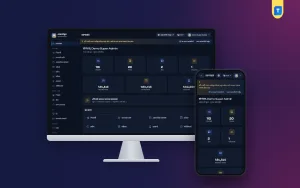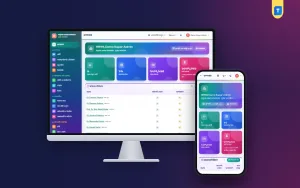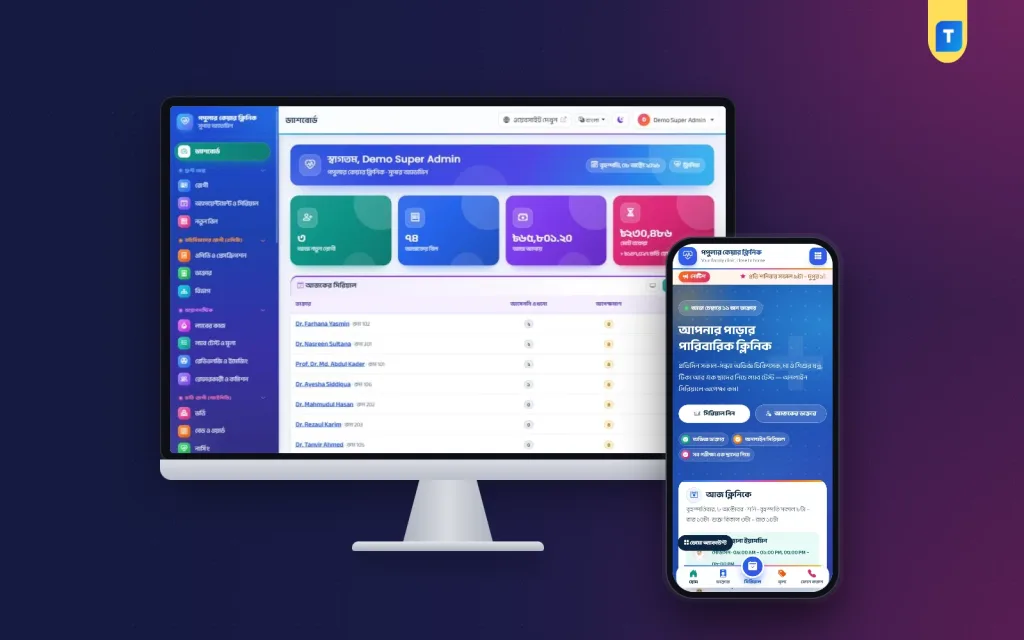
A clinic management system is the software that keeps doctors' chamber hours, patient serials, prescriptions, test bills and the cash counter in one record, so the desk, the lab and the owner see the same numbers. This guide is for owners and managers of family clinics in Bangladesh with a handful of doctors in chambers, a pathology room, a small pharmacy and perhaps a few cabins.
Most of these clinics run on habit. A serial khata sits at the front desk, the phone rings all afternoon with people asking for tonight's number, and the lab keeps its own register. It works until a visiting consultant gets fifty patients in one evening, a family disputes a cabin bill, or a report is lost between the lab and the counter.
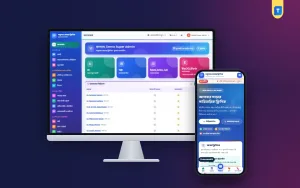
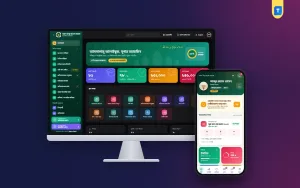
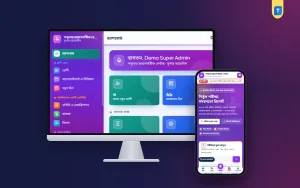
As a working example we use the Clinic Management Software – Serials, Prescriptions & Lab, a Laravel web app that you install on your own hosting and domain. It is built around chambers and serials, and it also covers the lab, imaging, a small inpatient side, the pharmacy, accounts, a clinic website and a patient portal, all in Bangla and English.
What a Clinic Management System Has to Handle
Follow one patient through a typical evening. A mother calls at four for a serial with the child specialist who sits from six. She arrives at seven, waits, sees the doctor, gets a prescription with two blood tests, pays, gives the sample, buys medicine downstairs and goes home. The next day she wants the report without travelling back. Every step touches a different person.
A clinic is not a small hospital and not a diagnostic centre. Its heart is the chamber timetable: many doctors are visiting consultants who come on fixed days and hours, and the clinic earns by filling those hours well. The serial decides how long patients sit in the waiting room, so it is what they care about most.
So a good clinic management system must answer simple questions fast. Which doctors sit today, and how many serials are left? Who is waiting and who did not come? Which advised tests were paid and which reports still need a signature? What does the cabin patient owe so far, and how much cash should be in the drawer tonight?
Planning Your Doctor Appointment System
Start with the timetable, because everything else hangs on it. For each doctor, write down the chamber days, start and end time, minutes per patient and the most patients they will see in one sitting. Add known leave days. A doctor appointment system can only be as accurate as this sheet, and fixing the sheet now is easier than apologising to patients later.
Next decide where serials come from. Most clinics here take walk-in serials at the desk and phone serials from a dedicated number, and more families now want to book online from their phones. Decide whether online serials share the same queue, how far ahead people may book, and what happens when someone does not come. Write down a cancel rule too.
Finally, think about the waiting room. Patients get restless when they cannot see progress. A screen showing the serial being seen and the next few numbers cuts questions at the desk, and calling by number instead of full name protects privacy. A short reminder the day before a follow-up also brings back many patients who would forget.
Roles, Prices and Master Data Before You Switch
List every person who will use the system: receptionist, cashier, accountant, lab technician, pathologist, nurse, pharmacist, doctors and the manager, and decide what each may see and change. Discounts need special care in a clinic, because relatives, staff families and doctors' guests all ask for them. Allow them for a few people only, with a reason and a record, and treat refunds the same way.
Then clean your price list: consultation and follow-up fees per doctor, every test, imaging services, procedures, cabin rates and health packages, written once in one place. Give the lab time to enter units and normal ranges, and the pharmacy time to count stock with batch numbers and expiry dates. No software can do this for you, and a clean start saves weeks of corrections.
How the Example Clinic Management System Runs Chambers and Serials
In the example software, each doctor has a profile with degrees, BMDC number, chamber room and fees, a weekly chamber schedule with slot length and a patient limit, and leave days. The desk gives walk-in and phone serials, patients book online, and every serial moves through clear steps from booked and waiting to with the doctor, completed or did not come.
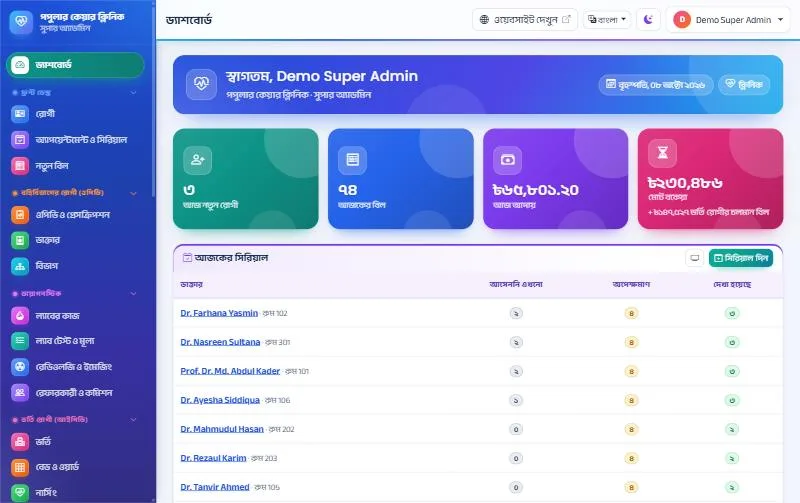
A TV in the waiting room can open the queue screen. It shows each doctor sitting today with room and hours, the serial now being seen with the patient's first name only, the next five serials, and how many are waiting or done. There is a full-screen button and a call sound. It works as the visible half of your doctor appointment system.
The prescription writer is quick on the keyboard. Medicine names fill in as the doctor types, each doctor keeps templates, and the patient's last prescriptions show while writing. It prints on A4 or A5, in Bangla or English, with a QR code that confirms the prescription without showing the medicines. Advised tests become an unpaid bill at the counter, and a follow-up SMS goes out the day before the next visit.
Tests, Beds and the Pharmacy Counter
The lab prints barcode labels for sample tubes. Results outside the normal range get an H or L flag, using separate male and female ranges where needed, and the previous result appears beside the entry. No report is ready until the pathologist verifies it. The A4 report carries a QR code, the patient gets a report-ready SMS with a link, and the report can be downloaded on your website with the bill number and mobile number.
Imaging reports for X-ray, ultrasound, ECG, echo and other modalities use templates for findings and impression. Referral commission is set per service or per referrer, with an option to count only fully paid bills, a statement for each referring doctor and a printed payout voucher. A written statement keeps those relationships friendly.
For the few beds most clinics keep, there is a bed board showing free, occupied, cleaning and closed beds with an Admit here button. Admission takes an advance, keeps every transfer and shows the bed charge so far on the running bill. Nurses record vitals with a temperature and pulse chart, a medication chart and shift notes. The operation theatre has a booking board, a pre-op checklist and charges that go to the admission bill, and discharge prints a summary and the final bill.
The pharmacy counter sells by barcode scan, always takes stock from the batch that expires first and never sells expired medicine. It records purchases, suppliers, customer returns and expiry alerts, and it can charge medicines to an admitted patient's bill. The clinic version leaves out emergency, blood bank and ambulance. If you need those, the Hospital Management Software – Wards, OT, Lab & Pharmacy adds them, and a centre that lives mainly on tests may prefer the Diagnostic Centre Management Software – Lab & Reports.
Your Clinic Website and Patients' Phones
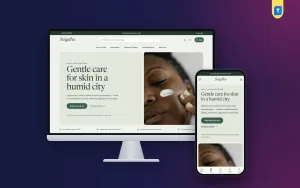
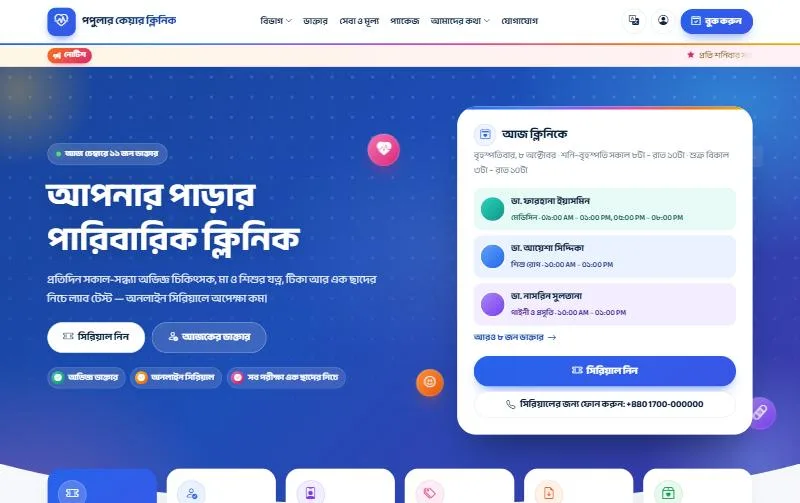
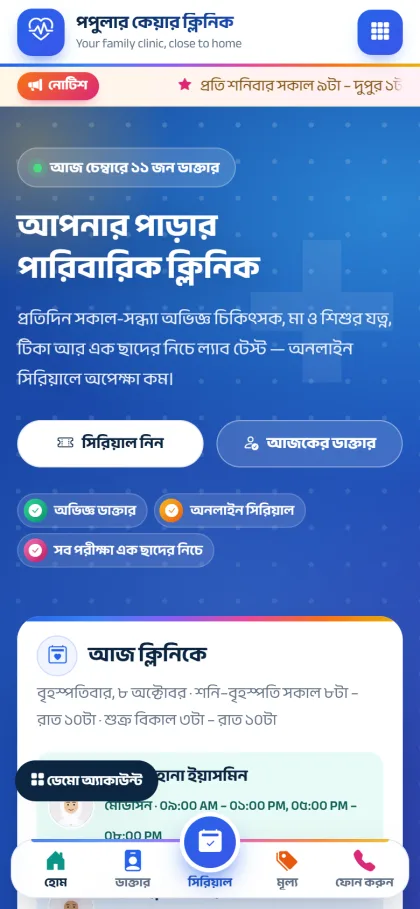
Families check a clinic on their phone before they visit. They want to know which doctors sit today and how to get a serial without calling ten times. The included website home page shows doctors in chamber today, a weekly chamber timetable, family services, a quick serial form, departments, a price list, health packages and patient stories, with a Get a serial button in the header.
Online booking follows the way patients think: pick a department, then a doctor, then a date that still has free serials, enter the details and receive a confirmation SMS. Doctor pages, report download, a gallery and a contact form are included, search data marks the site as a medical clinic, and the blue and indigo colours can be changed in Website settings.
In the patient portal, patients log in with a password to book, read prescriptions, download reports, see bills and pay online through the bKash payment gateway, through SSLCommerz with card, Nagad, Rocket or bank, or by sending money and entering the TrxID for your staff to approve. You need your own merchant accounts. For messages, connect BulkSMSBD, Alpha SMS, Greenweb, ElitBuzz or another SMS company; eight automatic SMS each have an on/off switch and editable text.
Installing and Going Live
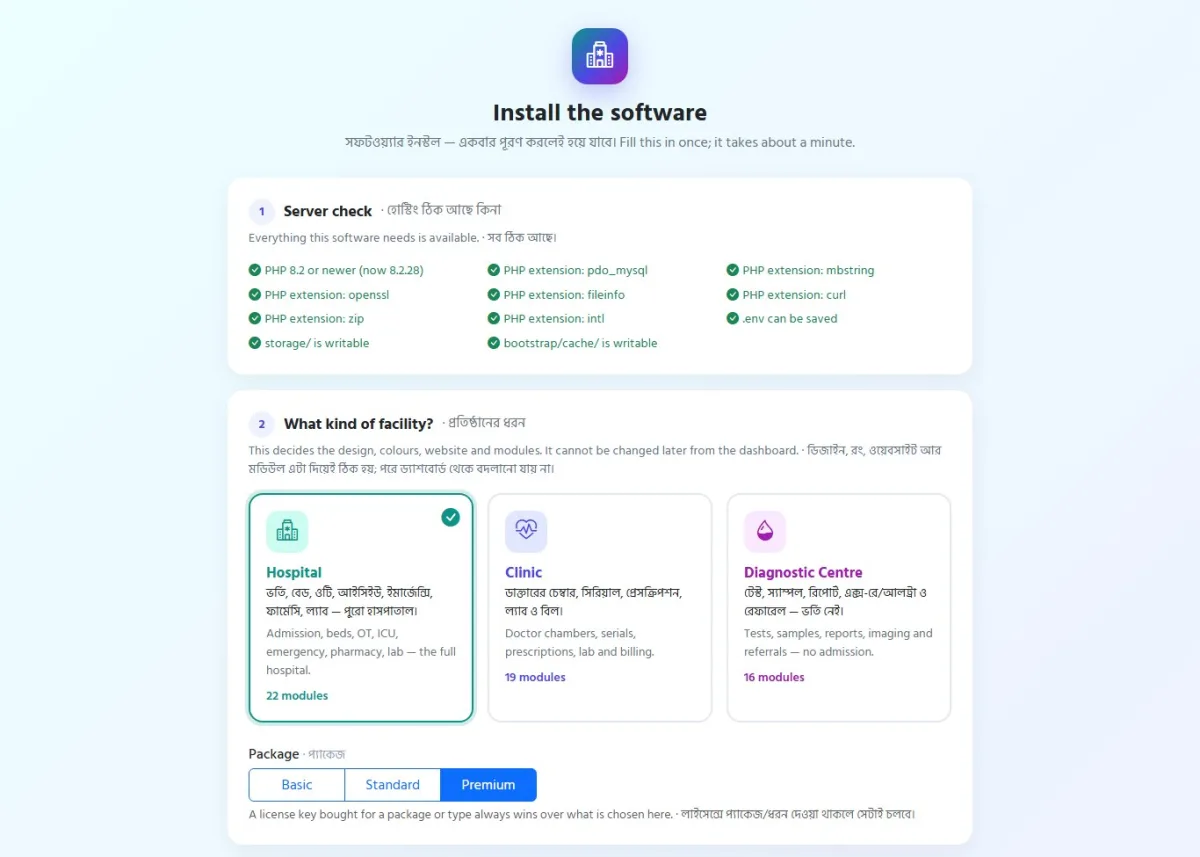
The example software installs in a browser, with no terminal or SSH. Upload the zip in cPanel File Manager, move the files into your domain folder and create an empty database in the MySQL Database Wizard. Open your domain and the installer starts with Clinic already selected: it checks the server, asks for the clinic details, database, Super Admin and licence key, and then shows one cron line to add. You need PHP 8.2 or newer, MySQL or MariaDB and SSL.
The licence key comes from My Account, Licenses on themeve.com; you can enter it during installation or later on the License page of the dashboard. Each licence is tied to one domain, so a second branch with its own website needs its own licence. A key works only for its own product: a key from another product shows "This key belongs to a different product" and the site stays locked. If your clinic grows into a hospital, buy that product's licence and upgrade; all your data stays.
After the first login, fill in Settings with the clinic name in English and Bangla, logo, phone and print notes. Load doctors, timetables, the price list, lab tests, beds and medicines, create a user for every role and set up the daily backup to your own Google Drive. Then practise in the live demo and run a mock evening.
Common Mistakes Clinics Make
The first mistake is loading doctors without real timetables. If a consultant's hours in the system do not match the hours on the wall, online serials land on the wrong evening and the desk stops trusting the screen. Ask each doctor to confirm the schedule in writing and enter leave days as soon as you hear about them.
The second mistake is giving everyone full access. When every user can edit a bill or give a discount, nobody believes the collection report. Keep discount and refund rights with two or three people and look through the activity log now and then. The third mistake is skipping practice: an hour in the demo for each counter prevents most first-week errors.
Frequently Asked Questions
Is a clinic management system worth it for a small chamber practice?
Yes, if serials and cash are already causing trouble. The example software lets the Super Admin switch off modules you do not use, such as admission, nursing or the operation theatre, so a clinic without beds keeps a short menu. You can switch those modules on later when you add cabins, without changing software or losing records.
Can patients book serials online without calling?
Yes. On the clinic website they choose a department, a doctor and a date with free serials, then get a confirmation SMS. Registered patients can also book from the patient portal, and the desk still gives walk-in and phone serials for those who prefer to call or come in.
How can I try it before buying?
Open the clinic demo and use the one-click logins on the demo login page for roles from Super Admin to patient. The demo data resets every 3 hours, so you can test serials, prescriptions, lab reports and bills freely and come back to a clean copy later.
Conclusion
A clinic management system earns its place when the serial desk, the doctor's chamber, the lab and the cash counter stop keeping separate notebooks. Get your timetables and price list right first, decide who may give discounts, practise before the first busy evening, and let patients book and collect reports from their phones. When you are ready, look at the Clinic Management Software and set it up for your own chambers.