Furniture store ecommerce website design has one job that most other shops do not have: it must help a person decide whether a large object will fit their home. A phone case either fits or it does not, and returns are easy. A wardrobe that is five centimetres too wide is a costly mistake for both of you.
This guide explains how to plan a furniture online store from the first sketch to launch. It covers structure, size tools, product pages, payments, couriers and common mistakes, with examples for Bangladesh. Use it as a checklist, whether you build the site yourself or brief a developer.
What a furniture shopper needs from your site
Think about a family in a two-bedroom flat in Dhaka. They have a tape measure, a free Friday and a budget. They will compare three shops on their phones, then message one of them on WhatsApp. Your site must answer their questions before they have to ask.
The main questions are:
- Will it fit my wall, my door and my lift?
- What is it made of, and how long will it last?
- Can I buy the matching pieces together?
- When will it arrive, and who will assemble it?
- Can I pay by bKash or cash on delivery?
Good store design is the work of answering these five questions on every relevant page, in plain words.
Plan the structure of a furniture online store
Before you pick colours, decide how people will find things. Furniture can be sorted in two ways: by room and by type. Offer both, but lead with room.
A simple structure that works for most shops:
- Living room: sofas, armchairs, coffee tables, TV units.
- Bedroom: beds, wardrobes, dressers, side tables.
- Dining: dining sets, chairs, buffets.
- Workspace: desks, office chairs, bookcases.
- Kids: bunks, study tables, storage.
- Decor: lamps, mirrors, rugs, shelves.
Keep the main menu to six or seven items. Add filters inside each category for size, material, colour and price. Do not make people open three levels of menu to find a bed.
Furniture store ecommerce website design starts with the size question
Most furniture sites show the size as a line of text in the description. That is too late and too hidden. The best furniture store ecommerce website design puts size at the front, where the decision happens.
Here are three ways to do it:
- Size chip on every card. A small label such as "W 180 cm" on the product thumbnail.
- Full dimensions box on the product page. Width, depth, height, seat height and weight.
- A fit checker. The visitor enters the free width of their wall and the site shows only the pieces that fit.
The fit checker is the most useful of the three for flats and small rooms. It turns the tape measure in the customer's hand into a filter. It also saves your team from answering the same WhatsApp message fifty times a week.
Sell rooms, not only single pieces
People rarely buy one thing. A bed leads to two side tables and a wardrobe. A dining table leads to six chairs. You can raise the order value, and help the buyer at the same time, by selling sets.
A good set block shows:
- A photo of the whole room.
- A list of each piece with its own price.
- The set total, with any saving written clearly.
- One button that adds the full set to the cart.
Be honest about the saving. If the set is cheaper than separate pieces, show both totals. If it is only more convenient, say that instead.
Photos and product pages that build trust
Furniture is bought with the eyes. Photos should show the piece alone on a clean background, and also inside a real room. Add a close-up of the wood grain or fabric, and one photo with a person sitting or standing next to it for scale.
A product page should follow a fixed order:
- Gallery with five or six photos.
- Name, price, stock status.
- Colour or finish choice.
- Dimensions card.
- Delivery date and assembly note.
- Material and care in short bullets.
- Warranty and return rules in two lines.
- Related pieces and the set the product belongs to.
Avoid copying the maker's description word for word. Write your own, in short sentences, and say what the piece is good for.
Modern furniture website design: look and feel
A modern furniture website design does not mean cold or empty. It means clear, bright and easy to use. People should feel they are in a tidy shop with good light.
Some practical rules:
- Use two or three colours. A deep base colour, one warm accent and a soft neutral work well.
- Pick one readable heading font and one body font.
- Show furnished rooms on category tiles, not lonely products on white.
- Keep buttons large, with the same style everywhere.
- Leave space between sections so a thumb can scroll without tapping by mistake.
Arched or rounded shapes on category tiles feel friendly and modern. Whatever style you pick, apply it to every page so the shop feels like one place.
Payments: bKash, Nagad, cards and cash on delivery
For a furniture store ecommerce website design that fits Bangladesh, payment is not a footnote. Customers choose a shop partly by how safe it feels to pay.
Offer these options and explain each in one line:
- bKash and Nagad: fast, familiar, good for booking money.
- Card payment through SSLCommerz: for buyers who prefer cards.
- Cash on delivery: popular and trusted, though it carries the risk of refused orders.
For large and custom pieces, many shops ask for a booking amount, such as 30 percent, and collect the rest on delivery. State this rule clearly on the product page and at checkout, so there is no argument later.
Delivery, couriers and assembly
Delivery is where furniture shops win or lose a customer. Decide what you will promise, then show it on the site.
- Delivery area and charge for each city or zone.
- A delivery date or a range of days on each product.
- Who unloads, who carries it upstairs and who assembles.
- What happens if the piece is damaged on arrival.
- Courier name and tracking, if you ship outside your own truck area.
Small and flat-pack items can go by courier such as Steadfast or Pathao, with tracking sent to the customer. Heavy pieces usually need your own vehicle or a transport partner. Give buyers an order page where they can see the status, so they do not need to call.
Furniture store ecommerce website design for mobile
Most of your visitors will arrive from a Facebook post or an Instagram story, on a phone. Design for that screen first, and then check the desktop.
Test the following on a real phone:
- The first photo loads in about three seconds on mobile data.
- The fit checker slider is easy to move with a thumb.
- Size chips are readable without zooming.
- The cart button is always within reach.
- Checkout has one page and few fields.
Compress images before upload. Use sizes close to what the screen needs, not 5000-pixel originals.
Homepage blocks worth building
A homepage should send visitors to a product in two taps. You do not need twenty sections. These seven are enough for most shops:
- A hero with one furnished room and one clear button.
- Category tiles, shown as rooms.
- The fit checker or a size guide.
- Best sellers with prices and size chips.
- Ready-made sets for the bedroom, living room and dining room.
- Delivery, payment and warranty in a short strip.
- Customer photos, reviews and your shop address.
Test the order of these sections. If most visitors tap the same category, move it higher. If a block is never used, remove it.
Measuring guides and helpful pages
Help buyers measure before they order
A short guide on your site cuts wrong orders. Place it near the size chips and link it from every product page. Keep it as a numbered list so it is easy to follow with a tape in hand.
- Measure the free wall width, and leave about 5 cm on each side.
- Measure the height of the ceiling and any window sill.
- Measure the door, the lift and the narrowest turn on the stairs.
- Check where sockets, switches and radiators sit.
- Mark the piece's footprint on the floor with tape and walk around it.
- Compare the numbers with the dimensions box on the product page.
Add a note for flat-pack items: they travel in long boxes, and the box must pass through the same narrow spots as a finished piece.
Content that answers questions before they are asked
A few simple pages make the shop feel trustworthy. Write them in short sentences and keep each one under 500 words.
- A delivery and assembly page with zones, days and charges.
- A materials page that explains wood, board, metal, fabric and foam.
- A care page for cleaning and protecting each material in the humid season.
- A returns and warranty page, with what is covered and what is not.
- An about page with your address, showroom hours and a real photo of your team.
These pages also help customers who find you through search. They do not need a hard sell. A clear answer is enough to build trust.
A ready-made option for city-home furniture stores
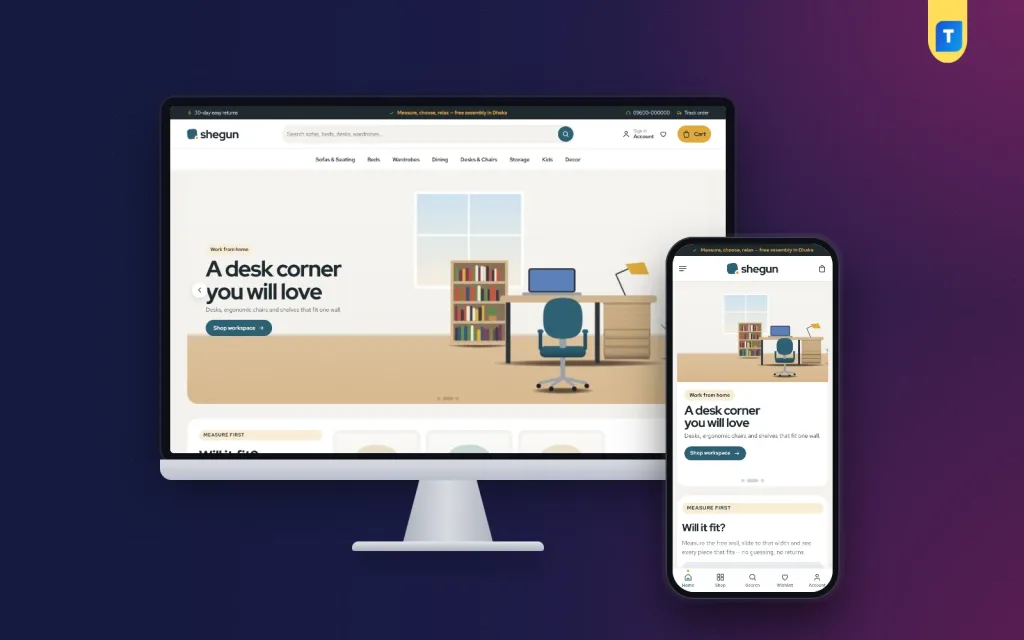
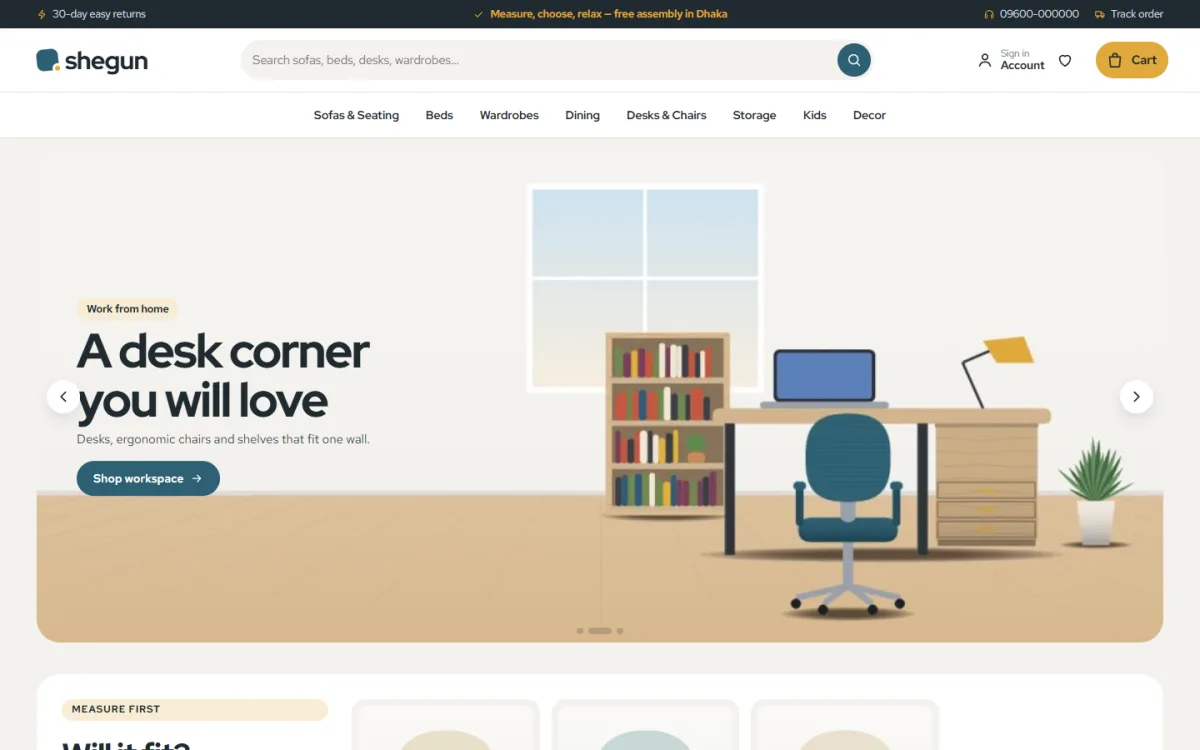
If you would rather start from a working design than from a blank page, Shegun is a bright modern furniture WordPress theme for stores that furnish real city homes. It uses deep teal, mustard and greige with Red Hat Display headings, and arched category tiles that show furnished rooms.
The features relate directly to the points above:
- A "Will it fit?" slider where the shopper enters wall width in centimetres.
- Buy the set, which adds a whole room in one tap.
- A size chip with full dimensions on each card, plus an assembly note and delivery date.
- 24 homepage blocks you can switch on or off and re-order.
- bKash, Nagad, SSLCommerz and cash on delivery.
- Steadfast and Pathao courier support with order tracking.
- 5 colour palettes, 4 font pairs, and a one-click demo with 32 sample pieces from 4 makers.
The demo content is invented, so you replace it with your own range. See the Shegun product page for the full list and the live demo.
Mistakes to avoid and a launch checklist
Mistakes to avoid
- Hiding sizes in long descriptions.
- Showing delivery charges only at the last step of checkout.
- Using the same photo for every colour option.
- Forcing account creation before the order.
- Listing items that are out of stock without saying so.
- Loading huge images that slow down the shop.
- Giving no phone number or WhatsApp link for questions.
Most of these are cheap to fix. Start with sizes and delivery charges, then work through the list.
Launch checklist
- Every product has width, depth, height and weight.
- Photos include at least one in-room view.
- Delivery area, charge and time are written on the site.
- All payment methods are tested with a small real order.
- Return and damage rules are in plain language.
- Contact details are in the header and footer.
- The site works on a low-cost Android phone.
- Backups and security updates are set up.
After launch, check your orders each week. Note which products customers ask about most, and improve those pages first.
If you want to read more on the technical side, the official WordPress documentation is a good, reliable reference.
Frequently asked questions
What does furniture store ecommerce website design include?
It covers site structure, product pages, size and fit tools, photos, checkout, payments, delivery rules and mobile layout. The goal is to help a buyer choose with confidence and order without calling.
How do I show whether a sofa or wardrobe will fit?
Put the dimensions on every card and product page. For extra help, add a width checker where the customer enters the wall space and sees only pieces that fit.
What is good modern furniture website design?
It is bright, simple and consistent: two or three colours, large photos of furnished rooms, clear buttons and plenty of space. It also loads quickly on a phone.
Should I offer cash on delivery for furniture?
Many buyers like it. To reduce refused orders, ask for a small booking amount through bKash or Nagad first, and collect the balance on delivery.
How many products do I need to launch?
Thirty is enough for a clean start. Make sure each one has good photos and full sizes. You can add more over time.
Can a small shop afford furniture store ecommerce website design?
Yes. A ready-made WordPress theme, a domain and hosting cost far less than a custom build. Spend your time on photos and product details, because those decide the sale.