Many teachers, team leaders and business owners ask how much is Google Meet Premium before they commit to anything. The question is fair, because the answer is not one number. It depends on the plan, the number of people you invite, how long you need it and how you pay.
This guide explains what you get when you move up from the free plan, what affects the cost, and how to compare options sensibly. It also covers payment from Bangladesh, which is where many people get stuck. You will find checklists you can use before you buy anything.
What Google Meet Premium actually means
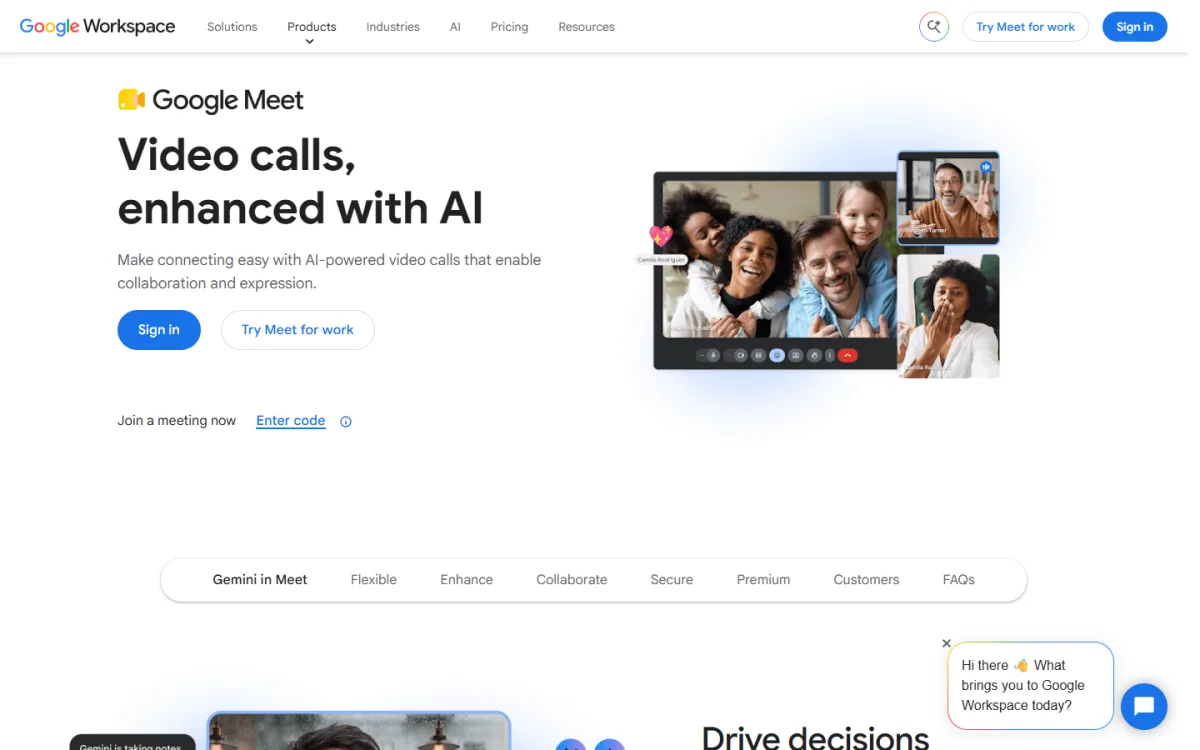
People use the name "Google Meet Premium" for the paid side of Google Meet. The free version is good for a quick call. The paid version adds the things that matter when meetings become part of your work.
The usual upgrades are:
- More participants in one meeting, such as 100 or 500 people.
- Longer meetings, so a class or a workshop is not cut off halfway.
- Stronger security options for private calls.
- Clear audio and video for larger groups.
- Smooth use with the rest of Google Workspace, such as Calendar and Gmail.
Not every paid plan has every feature. Always read the plan details before you pay, because features can change over time.
How much is Google Meet Premium: what decides the price
There is no single fixed price, and anyone who gives you one number without asking questions is guessing. Five things move the cost up or down.
- Participant limit. A plan for 100 people costs less than a plan for 500 people.
- Time period. A one-month plan, a yearly plan and a pay-as-you-go plan are priced differently.
- Number of users. Some paid plans charge for each person who hosts meetings.
- Extra features. Recording, attendance reports and breakout rooms may only come with higher plans.
- Payment method and exchange rate. If the price is set in dollars, the taka amount changes with the rate and with any card fees.
So the honest way to answer the question is to decide your needs first, then compare the price for exactly that need.
Free plan or paid plan: what changes
The free plan is enough for many people. Use this short list to see if you have outgrown it.
- Do your meetings often run past the free time limit?
- Do more people want to join than the free plan allows?
- Do you hold classes, trainings or client calls where a sudden cut-off looks unprofessional?
- Do you need better control over who can enter?
- Do you want one reliable tool instead of switching between apps?
If you answered yes to two or more, a paid plan is worth a look. If you answered no to all of them, stay on the free plan and save the money.
Which size do you need: 100 or 500 participants
Picking the right size is the easiest way to avoid overpaying. Count your biggest meeting, not your average one.
The 100 participants size
This size suits a school class, a coaching batch, a team meeting or a small webinar. If your largest group is under about 80 people, this is usually the sensible choice. It leaves room for late joiners and co-hosts.
The 500 participants size
This size suits seminars, public webinars, company-wide calls and online events. Choose it if your guest list is large or may grow quickly. Paying for 500 seats when you never pass 60 is a waste.
A quick rule
- Write down the number of people you invite.
- Add the host, co-hosts and helpers.
- Add about 20 percent for people who bring a colleague.
- Pick the smallest plan that covers the total.
How much is Google Meet Premium for students and teachers
Students and teachers are the biggest group asking this question in Bangladesh. Online classes, coaching centres and university groups all hit the free limits sooner than office teams do.
A few practical points help here:
- A class of 30 to 60 students fits the 100 participants size.
- A one-month plan is enough for an exam season, a short course or a batch.
- A school or coaching centre can share one plan across all its teachers, so the cost per teacher is small.
- Check whether a student discount is offered. Many sellers do not offer one, so do not assume it.
A tutor who teaches for three months of the year can buy a plan only for those months. This is often cheaper than a yearly commitment.
Paying from Bangladesh: the real problem
The price is only half the story. Many people in Bangladesh cannot pay for a global service because their bank card does not work for international payments, or the dollar limit is too low. Others do not own a card at all.
Common problems are:
- The card is declined at checkout without a clear reason.
- The yearly dollar limit on the card is already used up.
- Extra bank charges make the real price higher than the listed one.
- A billing address or tax detail is required that you do not have.
- No way to pay for a single month without a long plan.
Because of this, many buyers choose a local seller who accepts bKash, Nagad or Rocket. You pay in taka and you receive the plan details afterwards. This is a normal route for digital services in Bangladesh, but you must check the seller carefully, which the next section covers.
How to get Google Meet Premium step by step
There are two main ways. You can sign up with Google directly, or you can buy a ready plan from a local seller. Here is the direct route first.
- Decide the participant size and the time period.
- Check which Google plan includes that size.
- Prepare a working international payment method.
- Sign up and add your team members.
- Turn on the settings you need, such as meeting security.
- Run a test meeting before the real one.
The local route is simpler for many people. You choose a plan, pay with a mobile wallet, send your transaction ID and wait for activation. Read the seller's delivery time first, and keep your payment proof until everything works.
How to check a seller before you pay
Never pay a stranger on a social media page just because the price is low. Use this checklist.
- Is there a real website with an order system and a refund policy?
- Does the product page state the plan size and the time period clearly?
- Is the delivery time written down?
- Can you reach support on WhatsApp or e-mail before you buy?
- Do you receive an order record in your account?
- Is the price shown openly, with no hidden extras?
If a seller refuses to answer simple questions, walk away. A good seller answers quickly and does not pressure you.
A ready-made option
If you want to pay in taka without a card, one option is Google Meet Premium on Themeve. It is a one-month plan with two sizes, 100 participants and 500 participants. The listing mentions longer meeting times, secure video calls and good audio and video quality.
You pay with bKash, Nagad or Rocket, and your order details appear in My Account and by e-mail. WhatsApp support is available if you need help. The current price is shown on the product page, so check it there before you order, since prices can change. You can see both sizes at the Google Meet Premium plan page.
A simple cost worksheet
Prices mean little until you compare them against your own use. Take a pen and answer these lines. Then you can judge how much is Google Meet Premium worth to you, in plain numbers.
- How many meetings do you hold in a month?
- How many people join your biggest meeting?
- How many minutes does your longest meeting run?
- How many hosts need the paid features?
- Do you earn money from these meetings, such as class fees or client work?
Now divide the plan price by the number of meetings. If the answer is small next to what each meeting earns or saves, the plan pays for itself. If you hold two meetings a month and earn nothing from them, the free plan is the better choice.
Three real situations
These short examples show how different people decide.
A coaching centre in Dhaka
The centre runs four evening batches of 40 students. Every class lasts 90 minutes, which is longer than a free session allows. The 100 participants size covers each batch, and the one-month plan covers the exam run-up. They share one account among four teachers.
A freelancer with overseas clients
She meets clients in different time zones, usually one to one or with a small team. Her calls are short. She does not need a large plan, and the free version is enough most weeks. She buys a paid month only when a client asks for a long workshop.
A company webinar
A trade group invites 300 members to a one-hour session on export rules. The 500 participants size gives room for late joiners. They buy it a week early, test it, and let it lapse after the event.
Security settings worth turning on
A paid plan gives you more control, but you still need to use it. Before a large meeting, go through this list.
- Create the meeting from your calendar so the link is not reused.
- Do not post the link on a public page unless the event is open to all.
- Admit guests one by one for private sessions.
- Limit who can share a screen.
- Remove anyone who disrupts the call, then lock the meeting if needed.
- Tell guests not to forward the link.
These steps cost nothing, and they matter more than the plan you buy.
Mistakes to avoid when you buy
- Buying too big. A 500 seat plan for a 40 person class wastes money.
- Buying too small. Hitting the limit during a live webinar is worse than paying a little more.
- Buying too early. If your event is in three weeks, a one-month plan started today may run out before it ends.
- Skipping the test. Always run a short test meeting after activation.
- Ignoring the terms. Read what the plan includes and how long it lasts.
- Losing proof. Keep your transaction ID and screenshots until the plan is working.
Tips to get the most from a paid meeting plan
Once you have paid, use the plan well. A few habits make meetings smoother.
- Send the meeting link a day before, and again an hour before.
- Use a waiting room or admit people yourself for private sessions.
- Mute guests on entry in large calls.
- Share your slides early, so people do not rely on screen sharing alone.
- Ask one helper to watch the chat and the entry list.
- Test your microphone and camera ten minutes before the start.
- Keep a backup connection, such as a phone hotspot, for important events.
For classes, record the lesson if your plan allows it, and share the recording with absent students.
If you want to read more on the technical side, the official website is a good, reliable reference.
Frequently asked questions
How much is Google Meet Premium in Bangladesh?
It depends on the participant size, the time period and where you buy. A local seller shows the taka price on the product page. Compare the price for the exact size and length you need, not just the lowest number you find.
How much is Google Meet Premium for one month?
A one-month plan costs less than a yearly plan, but the cost per month can be higher. It is a good fit if you need extra capacity only for a course, an exam season or one event.
How do I pay if I do not have an international card?
Use a local seller that accepts bKash, Nagad or Rocket. Enter your transaction ID after payment, then wait for the order details. Always check the refund policy first.
Is there a student plan?
Some sellers offer one, and many do not. Students and teachers can still use a standard plan. A 100 participants plan is enough for most classes.
Which size should I choose?
Count your biggest meeting, add helpers and a small buffer, then pick the smallest size that fits. Choose 100 for classes and teams, and 500 for large events.
How to get Google Meet Premium quickly?
Choose your size, then either sign up with Google using an international payment method or buy a ready plan from a local seller. The local route is usually quicker if you pay by mobile wallet.
Can I use it for webinars?
Yes, a larger size works well for webinars. Test your setup, set clear entry rules and plan for a helper to manage questions.
What if something goes wrong after I pay?
Contact the seller's support with your order number and payment proof. A reliable seller replies quickly and follows a written refund policy.