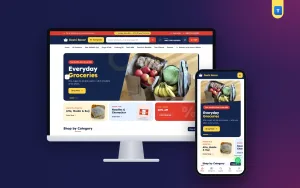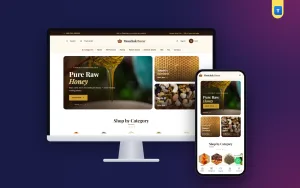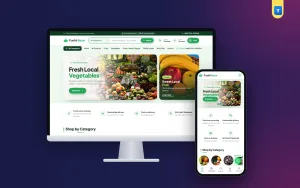
Good organic food store ecommerce website design is not about pretty leaves and green buttons. It is about helping a busy parent find fresh vegetables, trust where they come from and order before the evening rush. If your shop sells vegetables, fruit, rice, honey, ghee or other farm products, the way your website is laid out decides whether visitors buy or simply look and leave.
This guide walks through the parts that matter most: the homepage, product pages, trust signals, delivery information, checkout and mobile layout. Each section has practical ideas you can apply today, whether you build from scratch or start with a ready theme.
Why organic food store ecommerce website design is different
Selling food online is not like selling shirts or phones. Food is eaten by the family, so buyers are more careful. They want to know the source, the freshness and how it will be delivered. They also buy often, sometimes every week, so the second and third orders matter as much as the first.
This changes the design priorities:
- Trust comes before style. A plain site with clear farm photos and honest information beats a fancy site with stock images.
- Speed of ordering matters. Weekly buyers want to reorder in a minute, not search the whole shop again.
- Delivery details are part of the product. When and how the food arrives is as important as the price.
- Freshness must be visible. Harvest days, packing dates and storage notes reassure buyers.
Start with a homepage that answers three questions
When someone lands on your homepage, they silently ask: What do you sell? Can I trust you? How do I order? A good homepage answers all three in the first scroll.
What do you sell?
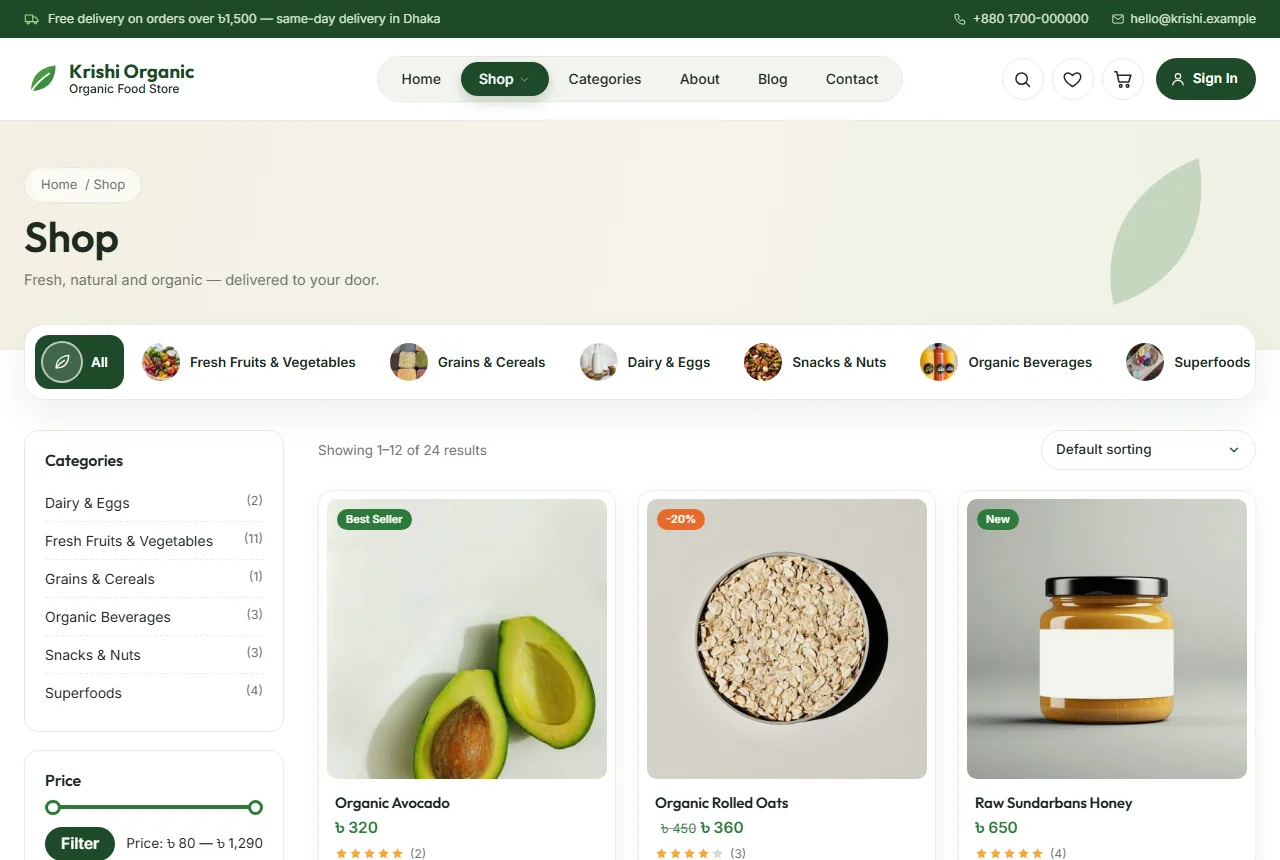
Use a large banner with one clear line, such as "Fresh organic vegetables delivered every morning", and a real photo of your produce. Under it, show your main categories as large tiles: vegetables, fruit, rice and grains, oils, honey and sweeteners, spices. Shoppers should reach any category in one tap.
Can I trust you?
Add a short "why choose us" strip with three or four promises you can keep: no chemicals, direct from farmers, same-day delivery in your city, easy returns. Then show a few customer reviews with names and areas. Real photos of your farm partners or packing room are worth more than any slogan.
How do I order?
Show a small "how it works" section: choose products, place the order, receive at home. Put the delivery charge and the free delivery amount near the top so nobody is surprised at checkout.
Product pages that sell food
The product page is where the decision is made. For food, a strong page includes:
- Clear photos. Shoot every product on a plain background in daylight. Show the actual pack size, not a pile of produce that suggests more than the customer gets.
- Size options. Offer 500 g, 1 kg and 5 kg as choices with their own prices, so a family and a small restaurant can both buy from the same page.
- Source and freshness. One or two lines on where the product comes from and when it was harvested or packed.
- Storage tips. Tell buyers how to store honey, ghee or fresh vegetables. It shows care and reduces complaints.
- Reviews. Even a few honest reviews make a big difference for food.
Keep the add to cart button near the top, close to the price and size choice. Long descriptions can sit in tabs below, so the page stays tidy.
Organic food store ecommerce website design for mobile buyers
Most food orders in Bangladesh come from phones. That makes mobile layout the most important part of your design, not an afterthought.
- Two products per row. On a phone, two cards side by side let shoppers compare without endless scrolling.
- Thumb-friendly buttons. Add to cart, quantity and checkout buttons must be large enough to tap without zooming.
- Sticky cart access. The cart icon should always be visible so buyers can check their order at any moment.
- Light pages. Large images and heavy scripts slow everything down on mobile data. Compress photos and avoid page builders that add a lot of code.
- Short checkout. Ask only for what you need: name, phone, address and payment method.
Make delivery information impossible to miss
Unclear delivery is one of the main reasons people abandon a food order. Show these details in at least three places: the top bar, the cart and the checkout.
- Delivery charge inside and outside your city.
- The order amount for free delivery.
- Delivery days and time windows.
- Cut-off time for same-day or next-morning delivery.
A simple rule such as "Order before 10 pm, get it tomorrow morning" removes doubt and helps buyers plan.
Payments that feel safe
Many customers still prefer cash on delivery for food, especially for the first order. Offer it, and add mobile payments such as bKash or Nagad for people who prefer to pay in advance. Show the payment logos in the footer and at checkout so buyers know their preferred method is accepted before they start.
Avoid asking for card details unless you really need them. Every extra field at checkout is a reason to leave.
Accounts and repeat orders
Repeat buyers are the heart of a food shop. Make it easy for them:
- Let customers sign up with a mobile number, not only an email. Many shoppers do not use email often.
- Save addresses so the second order takes seconds.
- Offer a wishlist so families can save their regular items.
- Send a small coupon for the second order to build the habit.
Using an organic food store website design template
Building all of this from zero takes time and money. An organic food store website design template gives you a finished layout to start from: homepage sections, product pages, cart, checkout and help pages are already designed. You replace the demo photos and text with your own and adjust colours to match your brand.
When you compare options, check that the template styles every shop page, not just the homepage. Many templates look great on the front page but leave the cart and checkout in plain default style, which feels unfinished to buyers. Also check that it loads quickly on a phone and does not need many extra plugins.
A good organic food store website design template should also include realistic demo content, so you can see how your shop will look with dozens of products, not just three.
Content that builds trust over time
Design gets the first order; content keeps people coming back. A few simple ideas:
- Farmer stories. A short post about one farmer, with photos, makes your brand human.
- Recipes. Simple recipes using your products give people a reason to buy more than one item.
- Seasonal guides. "What is fresh this month" helps buyers and helps search engines find you.
- Honest FAQ. Answer questions about organic certification, storage and returns in plain words.
Google's own guidance on creating helpful content rewards exactly this kind of useful, people-first writing.
A quick checklist before you launch
- Homepage shows what you sell, why to trust you and how to order.
- Every product has a clear photo, size options and a short source note.
- Delivery charges and times appear in the top bar, cart and checkout.
- Cash on delivery and at least one mobile payment option work.
- Customers can sign up with a mobile number.
- The site loads quickly on a phone with mobile data.
- About, Contact, FAQ, Shipping, Returns, Privacy and Terms pages are filled in.
- You have placed at least three test orders from your own phone.
Common mistakes to avoid
- Stock photos instead of your products. Buyers notice, and it hurts trust.
- Hidden delivery charges. Showing them only at the last step causes abandoned carts.
- Too many pop-ups. One welcome offer is fine; three in a row is annoying.
- No contact details. Always show a phone number and an address.
- Ignoring mobile. Test every page on a real phone, not only on a laptop.
Photography that makes food look fresh
Photos do most of the selling in a food shop. You do not need a studio; a phone and good light are enough if you follow a few habits:
- Shoot near a window in the morning. Soft daylight shows the real colour of vegetables and fruit. Avoid yellow indoor bulbs.
- Use the same background every time. A plain white or light wooden board keeps the whole shop consistent.
- Show the pack, then the product. The first photo should show exactly what arrives at the door. A second photo can show the product cut open or cooked.
- Keep the same angle. Shoot every product from the same height and distance so the grid looks tidy.
- Update seasonal photos. Mangoes in June look different from mangoes in August. Fresh photos signal fresh stock.
Square photos work best on most shop layouts, because cards and galleries are usually square. Resize them before uploading so pages stay fast.
Pricing, offers and bundles
Price presentation is part of design. Buyers compare quickly, so make prices easy to read and honest.
- Show price per pack clearly. If you sell by weight, show the weight next to the price on every card.
- Use sale prices sparingly. A crossed-out price works when it is real. Constant discounts make customers wait for the next sale.
- Create bundles. A "weekly vegetable box" or "breakfast pack" with honey, oats and nuts raises the order value and saves the buyer time.
- Use a free delivery threshold. "Free delivery over ৳1,500" nudges people to add one more item.
- Reward the second order. A small coupon sent after the first delivery turns a trial into a habit.
Measuring whether your design works
A website is never finished. After launch, watch a few simple numbers each week:
- How many visitors add something to the cart. If few do, your product pages or prices need work.
- How many carts become orders. If many carts are abandoned, look at delivery charges and the checkout length.
- How many customers order again within a month. This is the most important number for a food shop.
- Which pages people leave from. A page with many exits often has a missing answer, such as delivery time or size options.
Change one thing at a time, wait a week or two, and compare. Small, steady improvements in your organic food store ecommerce website design add up to a shop that sells more every month.
Putting it together with Krishi
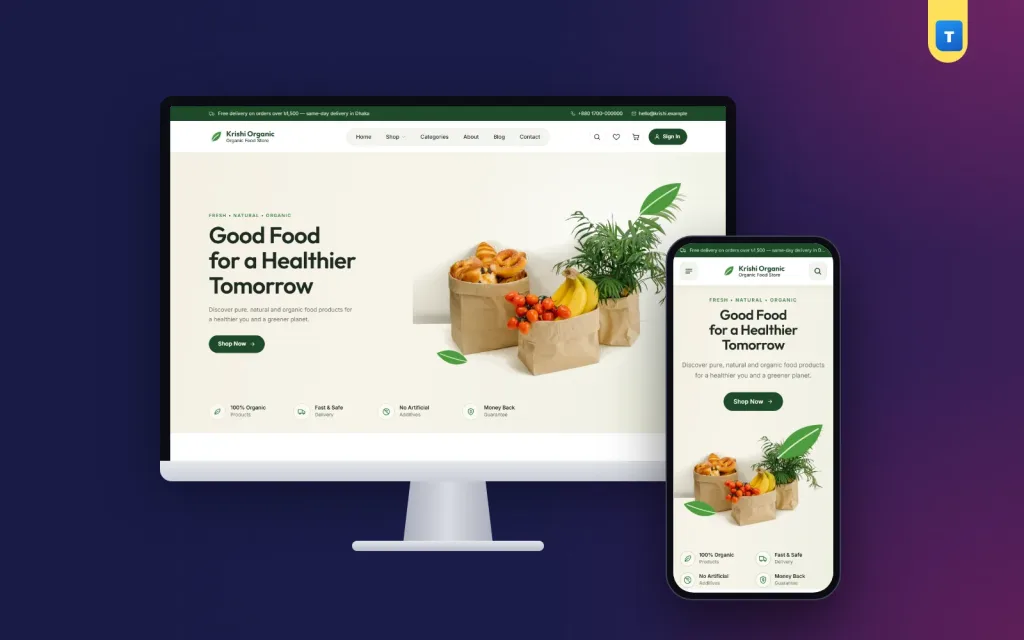
If you want a head start, Krishi is our organic food WordPress theme built around the ideas in this guide. It runs on WooCommerce and comes with a homepage designed to build trust, clear product cards, size options, delivery rules, coupons, a wishlist and sign-in with a mobile number or email. The one-click demo creates 24 products, 6 categories and all the help pages, so you edit a finished shop instead of starting from nothing.
Frequently asked questions
How many products should I launch with?
Start with your best twenty to thirty products. A smaller, complete shop with good photos converts better than a large shop with missing details. Add more once orders are flowing.
Do I need online payment from day one?
No. Cash on delivery is enough to start, and many first-time buyers prefer it. Add bKash or Nagad once you have regular customers who ask for it.
How often should I update the homepage?
Change the main banner every week or two with a seasonal offer or new arrival. A fresh homepage tells returning visitors that the shop is active.
Can I sell to restaurants as well as families?
Yes. Offer larger pack sizes with their own prices, and add a short note inviting restaurants and cafes to contact you for regular weekly supply at a fixed rate.
Should I show prices for out-of-season items?
Mark them out of stock instead of hiding them. Customers can save them to a wishlist and come back when the season starts.
Whether you use a theme or build your own, the principles of good organic food store ecommerce website design stay the same: show real food, be honest about delivery, make ordering quick on a phone, and give people a reason to come back next week.