Choosing from ecommerce website design templates is easier when you know what a good online shop must do before you look at a single demo. A template is only a starting point. The shop still needs clear products, honest prices, easy payment and a delivery promise that customers believe.
This guide explains how to judge a template, which pages and blocks a shop needs, and how to prepare your products so the finished store looks right. It uses small shops in Bangladesh as the main example, with bKash, Nagad, cash on delivery and courier delivery in mind.
What ecommerce website design templates actually give you
A template, or theme, is the visual layer of your shop. It decides how the homepage looks, how products are listed, what the product page shows and how the cart and checkout appear. It does not decide what you sell, what you charge or how fast you reply to customers.
A good template saves you from these jobs:
- Designing the homepage from a blank page.
- Making the shop work on phones.
- Building product, cart and checkout pages.
- Choosing fonts and colours that go together.
Even the best ecommerce website design templates do not remove the work of writing product descriptions, taking photos and setting delivery charges. Plan time for those jobs, because they take longer than installing the theme.
Know your shop before you pick a template
Different shops need different layouts. Answer these questions first and the choice becomes simple.
- How many products will you list at the start? Ten, a hundred or a thousand?
- Do customers choose by price, by brand, by category or by mood?
- Do you sell one item at a time or several together?
- Will most orders come from phones? In Bangladesh, the answer is usually yes.
- Which payment methods do you accept: bKash, Nagad, card, cash on delivery?
- Which courier will you use, and do you need delivery tracking?
A shop with twenty products needs a clean, simple layout. A shop with two thousand products needs strong filters and search. Do not pick from ecommerce website design templates that bring a hundred demo pages if you only need five.
Pages and blocks every shop template needs
When you compare ecommerce website design templates, check that these parts are present and easy to edit.
Homepage
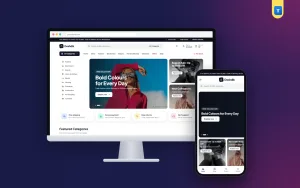
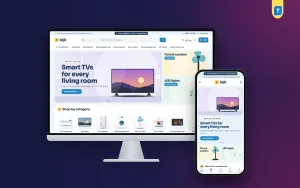
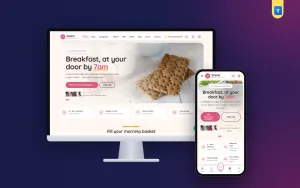
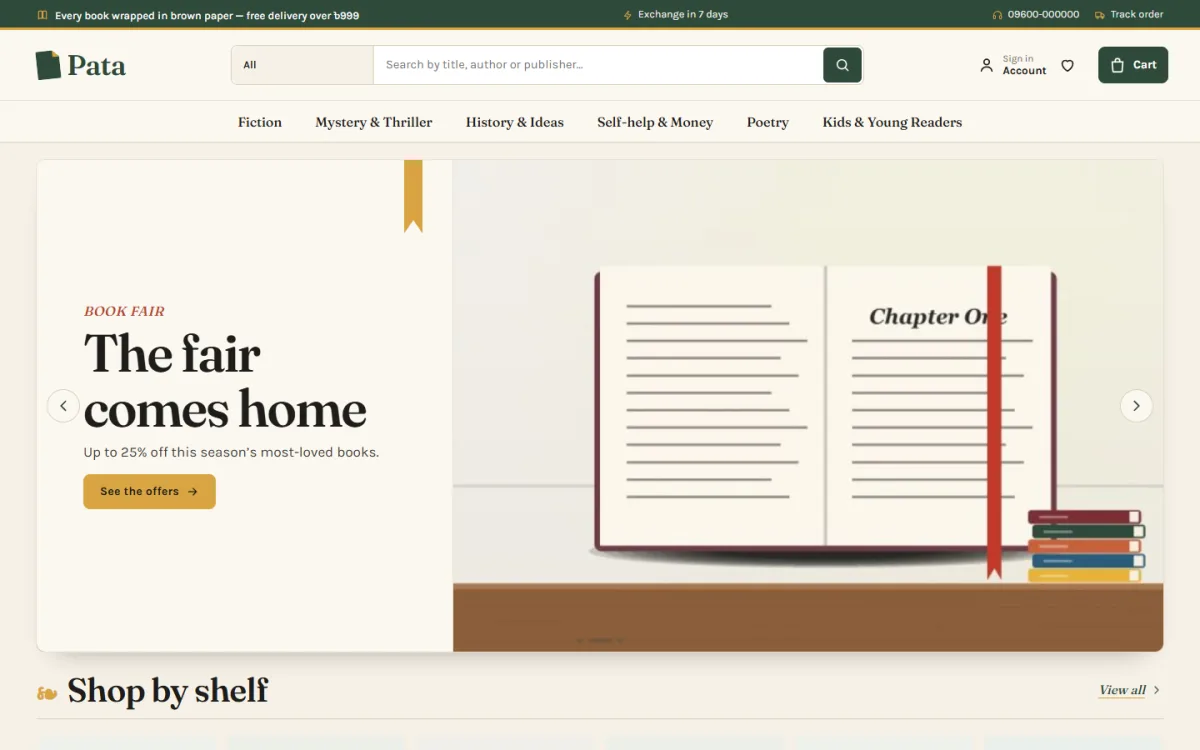
- A hero area with one clear offer.
- Category tiles so shoppers can jump to what they want.
- New arrivals and best sellers.
- An offer block with a countdown, if you run sales.
- A promise strip: delivery, returns, payment options, support.
- Recent blog posts or guides, for trust and search traffic.
Product page
- Large photos and a zoom.
- Price, discount and stock status near the top.
- A delivery date or delivery note.
- Reviews that are easy to read.
- Related products below.
Cart and checkout
- A single-page checkout with few fields.
- Local payment methods.
- A clear order summary and a confirmation message.
- An order tracking page.
Ecommerce website design ideas that raise trust
Customers in a new shop are careful. They worry about fake products, late delivery and refunds. Simple ecommerce website design ideas can calm those worries.
- Show your phone number and address in the header or footer.
- Publish a plain return and exchange policy in two or three short paragraphs.
- Use your own photos where you can. If you use supplier photos, add at least one real picture.
- Show the delivery date or an estimate on every product.
- Add reviews, even a few, with the customer's first name.
- Offer cash on delivery for first-time buyers.
- Link your Facebook page, and keep both places up to date.
Small details count. A shop that spells words correctly and keeps prices consistent looks more professional than one with a fancy banner and mistakes everywhere.
Design rules for a shop that sells on mobile
Most of your visitors will arrive from a Facebook link on a phone. If the shop is hard to use there, the sale is lost. Check these items on a real phone, not only on a computer screen.
- The header folds down to menu, logo and cart.
- Product cards are compact, with one clear photo and the price.
- Buttons are large enough for a thumb.
- The page loads quickly on average mobile data.
- The checkout form does not ask for an email address if you do not need one.
- Text is readable without zooming.
Speed matters. Large uncompressed photos are the most common reason for a slow shop. Resize images before you upload them.
How to prepare products before you install anything
Many owners install a theme first and then discover they have nothing to put in it. Reverse the order. Prepare a simple sheet with one row per product.
- Product name, written the way customers say it.
- Category and, if useful, brand.
- Regular price and sale price.
- Two to five photos on a plain background.
- A short description of three to five lines.
- Stock quantity.
- Weight or size, for delivery charges.
Start with your best twenty items. A small shop with clear product pages looks better than a large one with half-empty listings.
Payment and delivery for Bangladeshi shops
A template can only show what the shop software supports. Before you decide, check which payment and delivery tools are built in.
- Mobile payment. bKash and Nagad are the first choice for many buyers.
- Payment gateway. A gateway such as SSLCommerz lets customers pay by card or internet banking.
- Cash on delivery. Still the most trusted method for new customers. Set a delivery charge inside and outside your city.
- Courier. Steadfast and Pathao are common. Choose a shop that can pass order details to the courier without copying by hand.
- SMS or OTP. Useful for confirming orders and cutting fake ones.
If a template needs five extra plugins just to take a bKash payment, count the cost of those plugins and the time to keep them updated.
Ecommerce website design templates for a bookshop
Books are a good example because readers rarely arrive knowing the exact title. The best ecommerce website design templates for books help people decide, not only search. Useful ideas include:
- Browsing by mood or reader type, not just by genre.
- A look at the first page before buying.
- Paperback and hardcover as simple options.
- Publishers listed like brands.
- A budget picker, so a student can find a book under a price.
- A book fair offer block with stock bars and a countdown.
The same thinking applies to any shop where people choose by feeling or by taste, such as gifts, stationery, home decor and hobby goods.
A ready-made option for book sellers
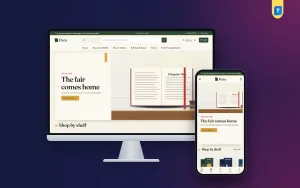
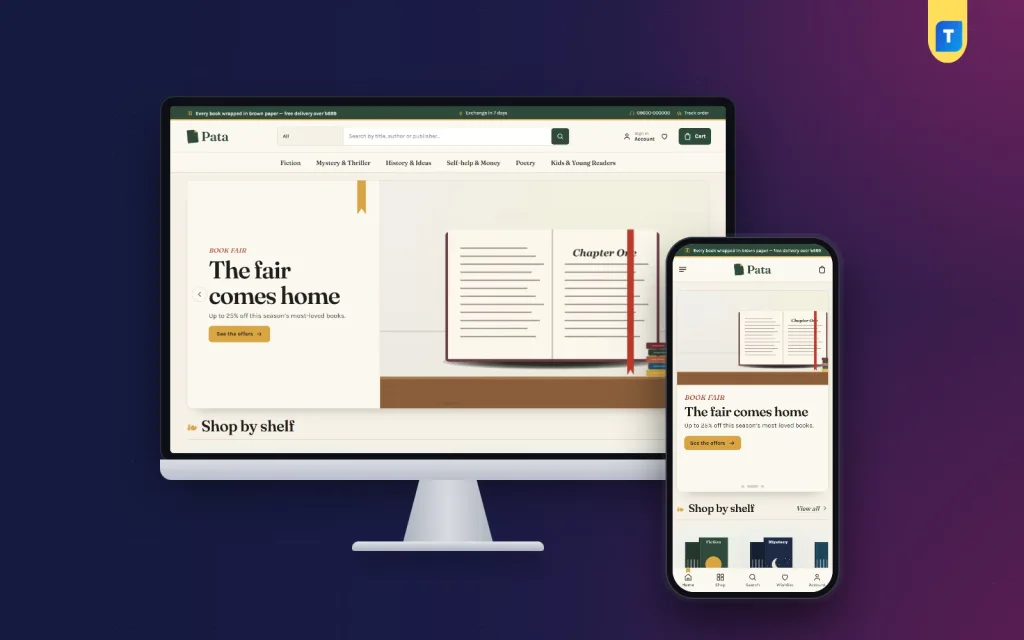
Pata is a bookshop WordPress theme with a quiet library feel: library green and mustard, paper-cream pages, tall book covers and Fraunces headings. It is built around how readers choose.
The main features are:
- Mood tabs to find the next read.
- A reading-pace picker that shows about how many days each book will take.
- A block that lets shoppers read the first page, then add the book to the bag.
- 24 homepage blocks you can switch off and re-order.
- Book fair offers with a countdown and stock bars.
- Paperback and hardcover formats, and publishers shown as brands with a logo row.
- A delivery date on every book.
- Five colour palettes and four font choices.
- Checkout with bKash, Nagad, SSLCommerz, cash on delivery and manual payment.
- A one-click demo with 27 books from 4 publishers.
The store features come from Themeve Commerce, a plugin bundled with Pata. It also covers coupons, invoices, SMS and OTP, and courier support for Steadfast and Pathao. The layout is not only for books. Any seller whose customers choose by mood, author or price can use it.
Setting up your shop step by step
- Prepare your product sheet and photos.
- Install WordPress and the theme.
- Run the setup steps and import the demo, so you can see how each block looks.
- Replace the sample products with your own.
- Set categories, brands and delivery charges.
- Switch on the payment methods you use, and test each with a small order.
- Turn off homepage blocks you do not need.
- Write your return policy, about page and contact page.
- Place a test order on your phone from start to finish.
- Share the link on your Facebook page.
Do not skip the test order. It shows you exactly what your customer sees, including the confirmation message and the tracking page. For a bookshop built on Pata, check the delivery date on a book page as well.
Costs and checks before you commit
Costs to plan for besides the template
The price of the template is only one line in the budget. Owners who plan the whole list are rarely surprised later.
- Domain name. Choose a short name that matches your Facebook page, and renew it every year.
- Hosting. A small shop runs well on a good shared plan. Pick one with a server near your customers and daily backups.
- Photos. A phone camera, a plain sheet and daylight are enough to start. Pay a photographer only for your best sellers.
- Payment fees. Gateways and mobile wallets charge a small share of each sale. Add this to your prices.
- Courier charges. Decide who pays: you, the customer or both. Say so clearly at checkout.
- Your time. Entering products, packing orders and answering messages is real work. Count it.
When you compare ecommerce website design templates by price, remember that a cheap template with several paid add-ons can cost more than a complete one.
How to test a template
Every demo looks good because it has perfect photos and short names. Test the parts that real shops struggle with.
- Open the demo on your own phone and scroll the whole homepage.
- Open a product page with a long name and see whether the layout still holds.
- Add three items to the cart, then change the quantity and remove one.
- Go to checkout and count the fields. Fewer is better.
- Look for the admin demo or screenshots of the settings. Are they clear?
- Check how a customer can track an order.
- Read what the seller says about updates and support.
Ten minutes of testing will tell you more than an hour of reading feature lists.
Keeping the shop fresh after launch
A shop is never finished. Customers return when they see something new, and search engines prefer sites that are kept up to date.
- Add new products every week, even a few.
- Change the hero banner when a season or festival comes, such as Eid or Pohela Boishakh.
- Update stock daily so you never sell what you do not have.
- Ask every happy buyer for a short review.
- Write a short guide or news post once a month.
- Check your orders list twice a day and confirm each order by phone or SMS.
Treat the shop like a real counter. If someone walks in and finds it untidy, they leave.
Mistakes to avoid when choosing a template
- Choosing by the demo picture alone. Look at the product page and checkout too.
- Picking a template with more features than you need, then using none.
- Ignoring phone layout.
- Forgetting local payment methods.
- Putting every product on the homepage.
- Using dark, low-contrast text that is hard to read.
- Never updating stock, so customers order items you do not have.
Before paying for any of the many ecommerce website design templates on the market, ask the seller what is included, how updates work and how to get help.
If you want to read more on the technical side, the official WordPress documentation is a good, reliable reference.
Frequently asked questions
What are ecommerce website design templates?
They are ready-made layouts for an online shop. They set the look of the homepage, product pages, cart and checkout, so you only add your products, prices and content.
How do I choose the right template for my shop?
List how many products you have, how customers choose them and which payment and delivery methods you need. Then pick a template that fits those needs on a phone, not only on a computer.
Can I use ecommerce website design templates without a developer?
Yes, for most small shops. A good template has a one-click demo import and simple settings. You replace the sample content with your own. Only unusual custom features need a developer.
Do I need WooCommerce?
Not always. Some themes bring their own store plugin that handles products, cart, checkout and payment. Check what the theme includes before you add other plugins.
Which payment methods should a Bangladeshi shop offer?
Offer bKash, Nagad and cash on delivery at least. Add a card gateway if your customers pay online. Keep the checkout short so fewer people leave.
Are free templates good enough?
They can work for a test shop. For a real business, check updates, support and phone layout first. A paid template with clear support often saves time.