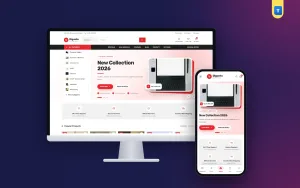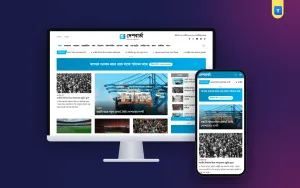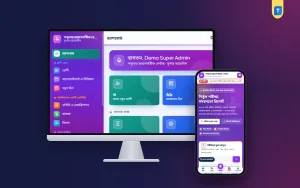
An example of CMS system is the quickest way to understand what a content management system does. A CMS is a program that lets you create, edit and publish pages without writing code each time. This guide explains the idea in plain words, shows real examples by type, and helps you pick one for a blog or a small business site in Bangladesh.
You will find simple definitions, a comparison checklist and a short section on blogs that plan to show ads. No technical knowledge is needed to follow it.
What a CMS system is
CMS stands for content management system. It separates two jobs: the design of your website and the content on it. You set the design once. After that, you add articles, pictures and pages through a form, much like writing an e-mail.
Every CMS has the same basic parts:
- An admin panel where you sign in and manage everything.
- A database that stores your posts, pages and settings.
- A template or theme that decides how the public site looks.
- User roles so that writers, editors and the owner see different things.
Without a CMS, every change to a page means editing code by hand. With one, a non-technical person can publish a new article in minutes.
A simple example of CMS system in daily use
Think of a small food blog. The owner signs in, opens the New Post form, types a recipe, adds a picture and a category, and presses Publish. The CMS saves the text in the database, builds the page, adds it to the home page and updates the sitemap.
The owner never touched a line of code. That is the whole point. The same pattern works for a shop, a school site or a news page. Only the type of content changes.
Types of CMS with examples
Here is a practical list of CMS types. Each one gives an example of CMS system use that you may already know from the web.
Blog CMS
Made for articles. It focuses on writing, categories, authors, comments and SEO. A personal blog or a news site is a typical use.
Page-builder CMS
Made for company websites. You drag blocks into place to build a home page, an about page and a contact page.
Online shop CMS
Made for products, carts and orders. It adds stock, prices, delivery and payment methods such as bKash and Nagad.
Documentation CMS
Made for help centers and guides. Pages are grouped in trees, with search and version history.
Learning CMS
Made for courses, lessons and quizzes. Schools and training centers use it.
Headless CMS
Stores the content and sends it to any app or site through an interface. It suits developers who build their own front end.
Another example of CMS system: custom and framework-based
Some CMS products are built on a programming framework such as Laravel. They are standalone web applications. You install them on your own hosting, and they have no add-on store. The result is a lean system that does a few things well.
A blog built this way has its own admin, its own database tables and its own settings. It is not a theme or plugin for another platform. This kind of CMS suits publishers who want fewer moving parts.
How a CMS differs from a website builder
People mix the two terms, so here is a clear split.
- CMS: you own the software and the files. You host it yourself or with a host you choose.
- Website builder: a closed service. You rent the tool and the hosting together, and moving away is harder.
A builder is faster for a five-page site. A CMS gives you more control for a site that will grow to hundreds of pages.
How to choose a CMS
Do not choose by name. Choose by the job. Go through this list in order.
- Define the content. Articles, products, courses or pages?
- Count your editors. One person, or a team with roles?
- Check the language. Do you need Bangla on the public site?
- Check hosting. Does it run on the hosting you can afford?
- Look at SEO tools. Titles, meta descriptions, sitemap, canonical links.
- Check speed. Test the demo on a phone with a slow connection.
- Ask about updates. Who fixes security issues, and how often?
- Plan the exit. Can you export your posts later?
An example of CMS system for an AdSense blog
Many people search for a CMS because they want to start a blog and show Google AdSense ads. The needs here are specific. A blog CMS for this purpose should give you:
- The trust pages reviewers expect: About, Contact, Privacy, Terms and Disclaimer.
- Clean URLs, a sitemap, robots.txt and an ads.txt file.
- A place for your publisher ID and for ad units.
- A readable, fast design on phones.
- SEO checks for each post.
- Scheduling, so posts go live while you sleep.
Remember that Google alone decides on approval. Software can only remove technical gaps and give you a tidy base.
A short adsense approval software list
If you search for an adsense approval software list, you will find long pages of tools. Instead of names, use this list of categories and ask which ones you really need.
- A blog CMS with trust pages and ad settings.
- An SEO checker for titles, descriptions and headings.
- An image tool to compress pictures to WebP.
- A plagiarism check so your articles stay original.
- A speed test to see how fast pages load.
- A search console account to submit your sitemap.
- A spreadsheet for your topic and article plan.
No program on any adsense approval software list can approve your site. The review looks at your content, your trust pages and the quality of the whole site.
A simple example of CMS system setup
Here is how a typical install goes for a standalone blog CMS on cPanel hosting.
- Buy hosting that supports a recent PHP version and a domain with HTTPS.
- Create an empty database in cPanel.
- Upload and extract the files.
- Run the install commands once and add a cron job.
- Sign in to the admin and enter your site name and e-mail.
- Create your categories and an author profile.
- Write the first article and publish it.
Free, paid and custom CMS: what to expect
Free and open-source
- No licence fee, and a large community.
- You often need add-ons for SEO, forms and security.
- You are responsible for updates.
Paid, one-time licence
- Features are built in and tested together.
- You get updates for a set period and direct support.
- You still pay for hosting and the domain.
Custom-built
- Fits your exact process.
- Costs the most and takes the longest.
- Needs a developer for every future change.
For a first blog, a free or one-time licence option is usually enough. Move to a custom build only when you have a clear need that nothing else meets.
Security basics for any CMS
A CMS is a public door to your server. Keep it locked with a few habits.
- Use a long, unique password for the admin account.
- Give each writer a separate login with only the rights they need.
- Keep the software and PHP version up to date.
- Remove users who no longer work with you.
- Take a backup of the files and the database every day.
- Test a restore at least once.
- Use HTTPS on every page.
SEO basics every CMS should cover
Search engines read your pages the way a careful visitor does. A good CMS helps them do it.
- A unique title and meta description for each page.
- Clean URLs without strange numbers and symbols.
- A canonical link, so duplicate versions of a page are not confused.
- A sitemap.xml that lists your live pages.
- Headings in the right order, with one main heading.
- Image ALT text that describes the picture.
- Fast loading on a mobile connection.
None of this promises a ranking. It removes the technical reasons that stop good content from being found.
Content planning for a new blog
A CMS is an empty room until you fill it. Spend an hour on a simple plan before you write.
- Choose two to five topics you can write about for a year.
- List ten questions your reader asks for each topic.
- Turn each question into one article with a clear title.
- Decide the length: 800 words is a minimum, and longer guides work better for hard topics.
- Write in your own words and from your own experience.
- Add one useful picture or diagram to each post.
Questions to ask before you pick a CMS
Ask these of any seller or developer. Clear answers show you are dealing with a serious partner.
- Can I see the admin panel in a live demo?
- What do I get on day one after install: pages, settings, sample content?
- Which languages does the public site support?
- What are the hosting requirements, in plain terms?
- How are updates delivered, and for how long are they free?
- What happens to my content if I stop using it?
- How do I reach support, and how fast do you reply?
Write the answers next to each option. After two or three demos the right choice is usually easy to see, and you will be able to explain why you chose it to your team or your client.
Common CMS mistakes
- Picking a CMS because a friend uses it, without checking your own needs.
- Installing many add-ons that slow the site and break after updates.
- Skipping backups.
- Leaving default passwords in place.
- Publishing with no trust pages.
- Posting thin articles to reach a number.
- Changing the design every week instead of writing.
A ready-made option
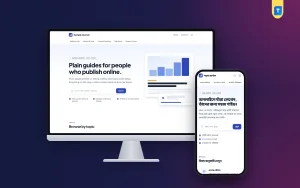
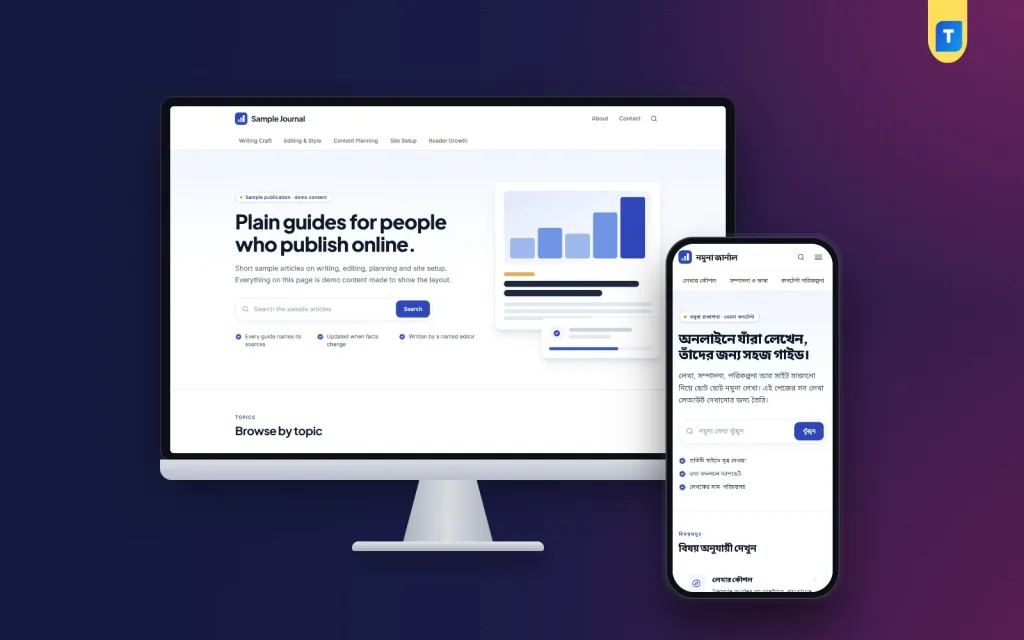
If you want a single, concrete example of CMS system for a publication, look at Publisher Blog CMS. It is a standalone Laravel web application for blogs in English or Bangla, installed on your own hosting and domain. It is not a theme or plugin.
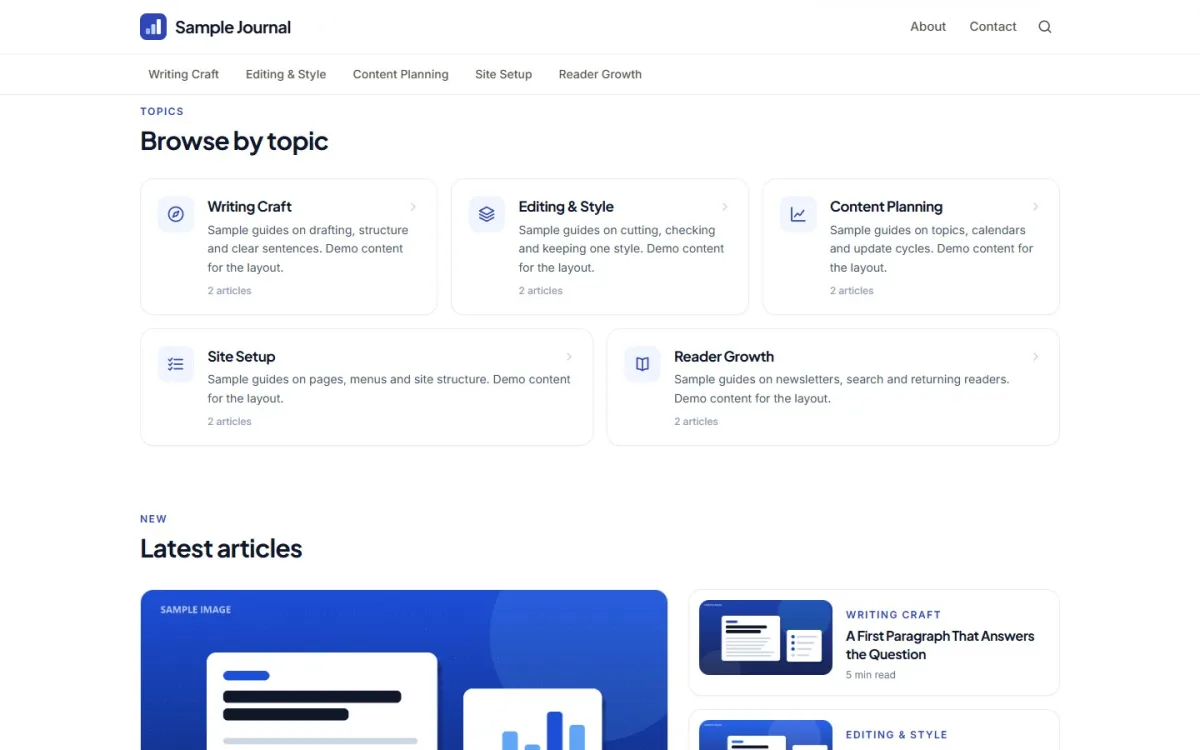
- A home page with a search card and Browse by topic cards.
- A Markdown editor with WebP image upload.
- A Google search preview and a 17-check SEO score in the editor.
- A readiness checklist with ten self-checks.
- Six ad placements that are hidden while you are signed in.
- Five trust and legal pages in English or Bangla.
- An automatic sitemap, robots.txt, ads.txt and RSS feed.
A fresh install holds the trust pages and nothing else. The articles are yours to write. Google decides on AdSense approval, and this software makes no promise on that. You can read the full feature list on the Publisher Blog CMS page.
Your first 30 days with a new CMS
- Days 1 to 3: install, set the language and add your site name.
- Days 4 to 7: edit the trust pages with your real details.
- Days 8 to 20: write one article every two days, with a cover image and a meta description.
- Days 21 to 25: read each article again and fix errors.
- Days 26 to 30: check the site on a phone and submit your sitemap.
If you want to read more on the technical side, the Laravel documentation is a good, reliable reference.
Frequently asked questions
What is an example of CMS system?
A blog engine is one simple example of CMS system use. You sign in to an admin panel, write a post in a form and publish it, and the system builds the page for readers.
Can you give another example of CMS system for a small business?
A company site where the owner edits the services page, adds news items and changes the contact details without a developer. Online shops and school sites work the same way.
Do I need coding skills to use a CMS?
Not for daily work. Most installs need a little technical help once. After that, writing and publishing are done through forms.
What is on a typical adsense approval software list?
A blog CMS, an SEO checker, an image compressor, a plagiarism check, a speed test and a search console account. None of them approves a site by itself.
Is a CMS the same as hosting?
No. The CMS is the program. Hosting is the computer where it runs. You need both.
Can I use a CMS in Bangla?
Yes, if the CMS supports it. Look for a Bangla language setting, a bundled font and an SEO tool that reads Bangla.
Does a CMS promise AdSense approval?
No. Google reviews your content and your site. A good CMS only gives you the pages and settings reviewers expect.