Landing page website design templates save time, but only if you pick one that fits your offer. A template made for a software sign-up page will not sell a smartwatch, and one made for a restaurant will not help a lawyer. The right choice depends on what you sell, how people reach the page and what you want them to do.
This guide explains how to choose, check and customise a landing page template. It uses practical examples for small online sellers in Bangladesh who run Facebook and Google ads. By the end you will have a checklist to compare any template before you spend money or time.
What a landing page is, and what it is not
A landing page is a page built for one goal. A visitor arrives, often from an ad, and either takes the action or leaves. The action might be an order, a sign-up, a call or a booking.
It differs from a normal homepage in clear ways:
- It has one message, not many.
- It usually has no top menu and no big footer.
- It contains the form, or a button to it, on the same page.
- It matches the ad or link that brought the visitor.
A homepage introduces a business. A landing page asks for one decision. Treat them as different jobs.
Why use landing page website design templates?
Building a landing page from nothing takes planning, design and testing. A good template already has the structure, so you replace words, photos and prices.
- Speed. You can go live in days instead of weeks.
- Lower cost. You avoid paying for a custom design for a page you may change soon.
- Tested structure. The order of sections follows what usually works.
- Mobile ready. A good template already works on small screens.
- Easy testing. You can duplicate the page and try a new offer.
The trade-off is that you must pick carefully. A template that is wrong for your product costs more time in fixes than it saves.
Types of landing pages
Know which type you need before you look at any template.
- Click-through pages. Warm up the visitor, then send them to a checkout or form.
- Lead pages. Collect a name and phone number for a later call. Common for real estate, education and services.
- Sales pages. Sell directly with an order form on the page. Common for one product with cash on delivery.
- Event or webinar pages. Collect registrations for a date.
- Coming soon pages. Collect emails before launch.
Most small sellers in Bangladesh need a sales page: one product, one form, cash on delivery, bKash or Nagad. That choice shapes what to look for.
Landing page website design templates: the checklist to compare
Use the same checklist for every template you consider. Score each from 1 to 5.
- Fit with your offer. Does the structure match a product, a service or a lead form?
- Mobile layout. Does it look good and load fast on a phone?
- Order or lead form. Is the form built in, and can you add fields?
- Section control. Can you hide, add and re-order sections without code?
- Payment fit. Does it support cash on delivery, bKash and Nagad in a simple way?
- Style choices. Are there colour and font options?
- Speed. Is it light, with no heavy sliders or scripts?
- Updates and support. Is it maintained, and does it work with a current WordPress version?
- Reuse. Can you make several pages with the same design?
Add the scores. A template that scores low on mobile or form should be dropped, whatever it looks like on a desktop preview.
Sections a strong template should include
You do not need every section on every page, but a good template gives you the building blocks.
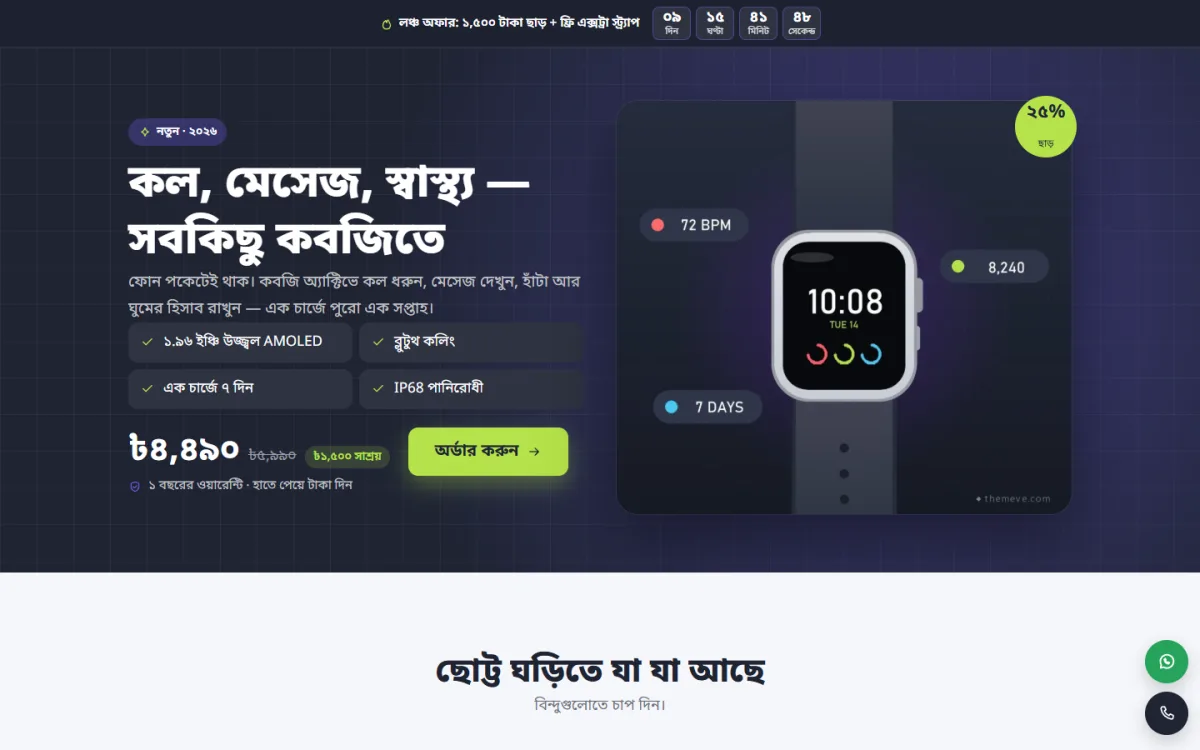
- A hero with a headline, a product photo and an order button.
- A benefits or features block.
- A product tour, with feature highlights on the photo.
- Variants, such as colours, sizes or strap types.
- A comparison against other options.
- A review wall or testimonials.
- Packages and prices.
- An offer with a deadline.
- An order form or lead form.
- An FAQ.
- Contact buttons for call and WhatsApp.
The ability to switch sections off is as important as having them. You will not need all of them for every product.
Learn from landing page website examples
Before you decide, study real landing page website examples in your market. Do not just look at the design. Read the structure.
- What does the headline promise?
- What appears above the fold on a phone?
- How many fields are in the form?
- How do they show trust: reviews, photos, warranty cards, phone numbers?
- What is the order of the sections?
Copy ideas, never text or photos. Then check your own page against the same questions.
Landing page website design templates for gadgets
Gadgets such as smartwatches, earbuds and fitness bands are a good fit for ad-driven pages, because the buyer knows the category and wants a quick, clear decision. A template for a gadget should offer a few special things.
- Feature hotspots. Numbered dots on the product photo that open a short note on each part.
- A colour or strap picker. The photo changes when the buyer picks a variant.
- A comparison section. A clear table that shows what you get against a cheap alternative.
- A "what is in the box" block. Cable, charger, strap, warranty card.
- Review wall. Many short reviews, ideally with photos.
- Warranty and return terms. Short and in plain words.
Gadget buyers are suspicious of fakes. Show the box, the serial or warranty card and the real shop or phone number.
Template or custom design: which is right?
Many sellers ask whether to hire a designer for a custom page. Both choices are valid. The answer depends on your stage.
Choose a template when
- You are testing a new product and may change the offer in a month.
- Your budget is small and you need to start ads soon.
- You want to edit the page yourself.
- You plan several pages for different products.
Choose a custom design when
- Your brand needs a very specific look.
- You already know the offer works and sells in large numbers.
- You need special tools, such as a custom calculator or a unique checkout.
For most small sellers, landing page website design templates are the sensible first step. If the product grows, you can pay for a custom page later with real sales data to guide the design. Starting small keeps your risk low and teaches you what your buyers want.
What to budget for
Besides the template, plan for hosting, a domain, product photos, ad spend and your time. Photos are often the best use of money. A clean photo set lifts any template, while poor photos weaken even a good one.
Prepare your content before you touch the template
Most delays come from missing content, not from design. Prepare these in advance:
- A one-sentence promise and three main benefits.
- Six to ten clear product photos, with a clean hero image.
- Specifications in plain language.
- Prices for each package, and delivery charges by area.
- Three to ten real reviews, with permission.
- Answers to the ten questions customers ask most.
- Your phone, WhatsApp and shop address.
When you have this list ready, filling a template takes hours, not days.
Customise without breaking the design
A template looks good because its parts are balanced. When you edit it, follow a few rules.
- Keep headings short so they stay on two lines.
- Use photos with the same size and style.
- Stay inside the colour palette the template offers.
- Do not add more than two fonts.
- Keep one colour for the order button on the whole page.
- Remove demo text completely, so no placeholder stays by mistake.
After editing, view the page on a phone and a laptop, then on a second phone with a smaller screen.
A ready-made option: Kobji
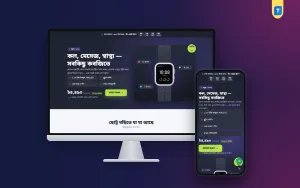
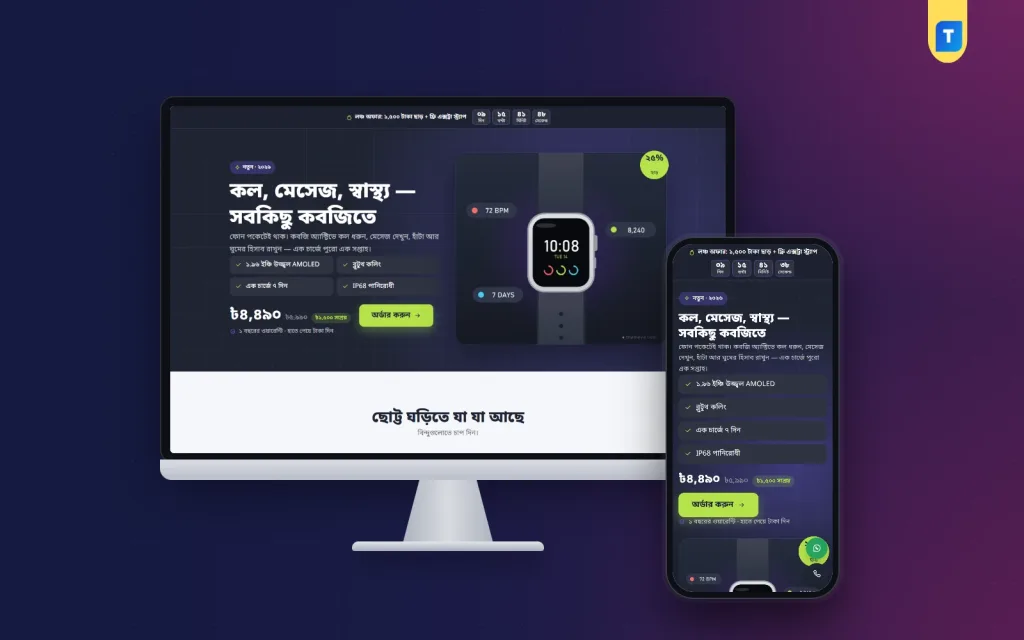
Kobji is a smartwatch landing page WordPress theme for gadget sellers who run Facebook and Google ads for one product. The buyer lands on one long page with no site header or footer, reads about the watch, picks a strap colour and orders from the form on the page.
- Numbered feature hotspots on the product photo.
- A colour picker that swaps the picture.
- 16 sections you can switch off or re-order.
- A built-in order form with cash on delivery, bKash and Nagad.
- Package cards and a picker in the form, plus an offer line with a countdown.
- Review wall and comparison sections.
- A sticky order bar, a floating WhatsApp button, 4 palettes and 3 font choices.
Any page can sell any product, so you can also use it for earbuds, a fitness band or another small gadget. It needs WordPress 6.0 or newer and PHP 7.4 or newer. See the full list on the Kobji product page.
Test and improve after launch
A template gives you a start. Results come from testing.
- Place a test order and check the confirmation message.
- Track how many visitors arrive and how many order.
- Change one thing at a time: headline, hero photo, price or button text.
- Give each change several days and enough visitors before you judge it.
- Keep notes of what you changed and what happened.
Ask your first customers why they ordered and what almost stopped them. Add those answers to the page.
Keep your ads and page in step
The best landing page website design templates still need a matching ad. Use the same product name, photo, price and colour in both. If the ad says "free delivery in Dhaka", the page must say the same, near the order button. When the ad and the page disagree, buyers feel tricked and leave in seconds.
If you run more than one ad, send each to its own copy of the page, so you can see which message brings orders. Name each copy clearly and keep a small note of what it tests.
Common mistakes with templates
- Picking by looks only. A beautiful demo can have a weak form or a slow page.
- Leaving demo content. Old names, prices and photos destroy trust.
- Too many sections. Long pages with filler lose readers.
- Heavy images. Large files slow the page on mobile data.
- No follow-up. Call or message each buyer after the order.
- Wrong ad match. If the ad shows a black watch and the page shows a silver one, buyers leave.
A simple launch checklist
- Headline, price and order button visible on the first phone screen.
- All demo text, names and photos replaced.
- Order form tested with a real phone number.
- Delivery charge and delivery time stated clearly.
- Phone and WhatsApp buttons tested.
- Page speed checked on mobile data.
- Ad link points to the correct page.
Tick every line before you spend on ads. A short check now saves a lot of wasted budget later, and it takes less than an hour.
If you want to read more on the technical side, the official WordPress documentation is a good, reliable reference.
Frequently asked questions
How do I choose between landing page website design templates?
Score each one on fit with your offer, mobile layout, form, section control, payment fit, speed and support. Drop any template that is weak on mobile or on the form.
Can I use a template for more than one product?
Yes, if it lets any page sell any product. Make a separate page for each product so the page matches its ad.
Do I need a developer to edit a template?
Usually not. A good WordPress template lets you change text, photos and prices from the page editor. A developer helps only with unusual changes.
How many sections should my page have?
Enough to answer a buyer's questions. For a gadget, around ten to sixteen short sections is common. Switch off the ones you do not need.
Where can I see good landing page website examples?
Look at the pages shown in Facebook and Google ads for products like yours. Note their sections, forms and proof, then write your own version.
Which landing page website design templates suit cash on delivery?
Choose one with an order form built into the page, a package picker and clear delivery information. Support for bKash and Nagad is a useful extra.
Is a landing page better than a full online shop?
For one product sold through ads, often yes, because it removes distractions. For a large catalogue, a normal shop is the better choice.