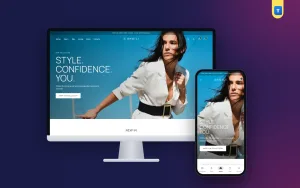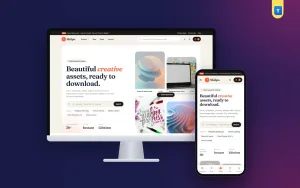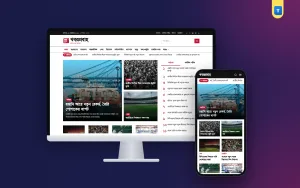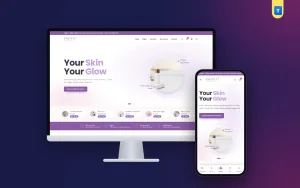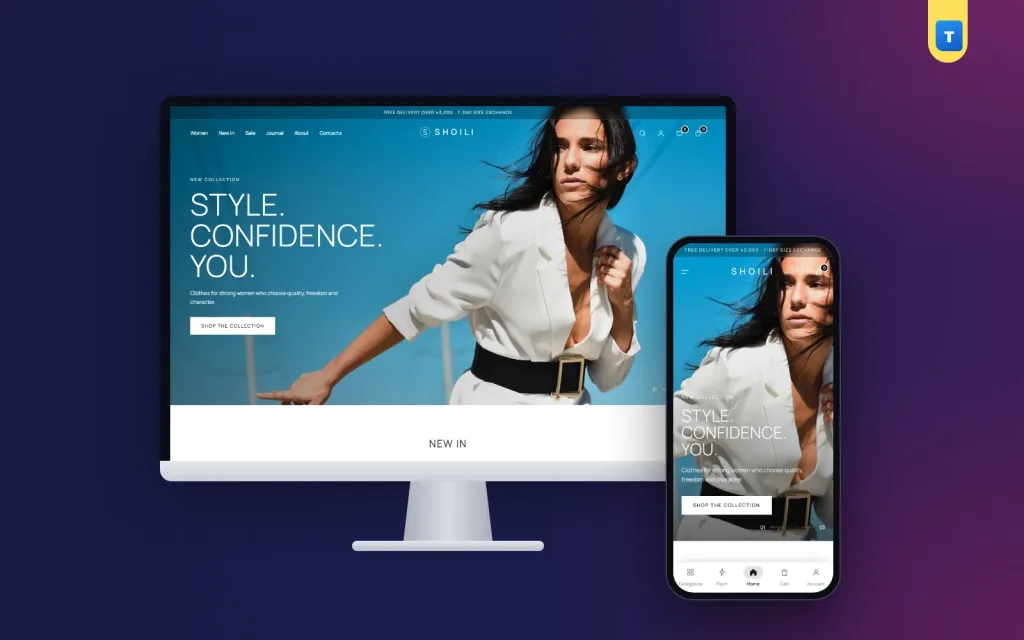
Good clothing store web design does one job: it makes a buyer feel the clothes are worth it and then gets out of the way so they can order.
Pretty pages that hide the size chart, load slowly on mobile data or make checkout a puzzle lose sales every day. This guide covers the parts that matter most, from the homepage and photos to product pages, size guides, colours, fonts and the words that describe your brand.
It is written for fashion labels, boutiques and Facebook sellers who are planning their own website, and for designers building one for a client.
What clothing store web design has to do
A fashion website has three tasks. First, show the clothes as they really are: colour, fabric, fit and length. Second, help the buyer pick the right size without asking. Third, make paying and getting the parcel simple. Every design choice should serve one of these three.
Visual style comes after. A minimal black-and-white look suits a premium label; warm colours and bold type suit a family store; soft pastels suit a modest-wear brand. The style should match the price and the buyer, but the three tasks stay the same.
Start with the buyer
Write down who buys from you: age, city, the phone they use, how they pay and what they worry about. A buyer in Dhaka ordering a party dress at midnight on a mid-range Android phone has very different needs from a shop owner buying wholesale on a laptop.
Homepage layout that sells
The homepage is a shop window, not a catalogue. Keep it to a few strong blocks in a clear order.
- One hero with a single message and a single button, such as "New season: shop dresses". A slider with five messages usually means none is read.
- New in, because regular buyers come back to see what changed.
- Shop by category with real photos, not icons.
- A capsule or lookbook block that shows outfits styled together.
- Best sellers, as social proof.
- A sale block when there is a real sale.
- Reviews, a short FAQ and the latest journal posts.
In clothing store web design less is often more. If you cannot say why a block is on the homepage, remove it. Each extra block makes the page heavier and pushes your best products further down.
Photos: the heart of clothing store web design
Buyers cannot touch the fabric, so photos do the touching for them. Shoot every product in the same light, on the same background and in the same shape, so the grid looks calm and professional.
- Front, back and side on a model, plus one flat or close-up of the fabric.
- One photo per colour, so the picture changes when the buyer picks a colour.
- Model details, such as "Model is 5'5" and wears size M".
- Natural colour: avoid heavy filters that make the parcel look different from the photo.
- Light files: compress images before upload so they open quickly on mobile data.
Lookbooks and styled outfits
Single products sell items; styled outfits sell baskets. A lookbook block or journal post that shows a kurti with matching palazzo, a scarf and sandals gives buyers ideas and raises the average order. Link every item in the outfit straight to its product page.
Shoot lookbooks in real places your buyers know, such as a rooftop, a café or a university corridor, and keep the light natural. It feels closer to their own life than a studio wall.
A colour that looks different in the parcel than in the photo is a common reason for returns. A colour-true photo saves money as well as building trust.
Product pages, sizes and fit
The product page decides the sale. Put the name, price, size buttons, colour buttons and the add-to-cart button near the top. Show whether the chosen size is in stock. Put delivery time and charge beside the button so there are no surprises.
Size guides
Every clothing store web design needs a size guide one tap from the size buttons. Give measurements in inches for each size: bust or chest, waist, hip, length and sleeve. Add a short note on fit, such as "relaxed, size down for a closer fit". If different cuts fit differently, use separate guides.
Fabric and care
List fabric, lining, stretch and care in short lines, not a long paragraph. "100% cotton, hand wash cold, do not tumble dry" is all a buyer needs.
Exchanges
Say clearly how exchanges work: how many days, who pays the delivery and how to ask. An easy exchange makes buyers brave enough to try a new size or a new brand.
Colours, fonts and navigation
Let the clothes carry the colour. Most good fashion sites use a neutral base, such as white, off-white or black, with one brand colour for buttons and sale tags. Use two fonts at most: one for headings, one for body text. A serif heading feels premium; a clean sans-serif feels modern and young.
Navigation should follow how people shop. Women's labels usually do well with New in, Dresses, Tops, Bottoms, Co-ords, Ethnic wear and Sale. Keep the menu short and use filters for size, colour, price and fabric on the category page.
Category pages and filters
A category page is where serious buyers spend their time. Show the number of products, a sort menu (newest, price, best selling) and filters for size, colour, price and fabric. Show only the sizes that are in stock in the size filter, so buyers do not fall in love with a dress that is sold out in their size.
Use a Load More button or endless scroll rather than tiny page numbers on phones. Keep the product cards simple: photo, name, price, old price and a small sale tag. Good clothing store web design keeps the grid tidy so the eye moves from one photo to the next.
Designing for phones first
Most fashion orders in Bangladesh come from phones. Test every page on a real phone over mobile data. Use two products per row, large tap targets, a bottom menu for Home, Categories, Cart and Account, and filters that slide in from the side. Clothing store web design that only looks good on a laptop is not finished.
Writing a clothing brand description for website pages
Design is not only pictures. The words on your About page, homepage and product pages tell buyers why your label exists. A good clothing brand description for website visitors answers four questions in a few short paragraphs: who you are, who you design for, what makes your clothes different and how you make them.
A simple formula
- Who: "We are a Dhaka label making everyday dresses for working women."
- Why: "We wanted clothes that look sharp at the office and still feel easy in the heat."
- How: "Breathable cotton and linen, cut in small batches, finished by our own tailors."
- Promise: "True sizes, honest photos and an easy exchange."
Keep the tone of your clothing brand description for website pages the same everywhere: in product texts, in emails and on social media. Avoid empty words like "premium quality" unless you show the proof, such as the fabric, the stitching or the people who make it.
Policy and help pages
Buyers read policy pages more than owners expect, especially before a first order. Write the delivery, exchange and privacy pages in the same friendly voice as the About page. Say how many days delivery takes inside and outside Dhaka, what the charges are, how a size exchange works and how refunds are sent, by bKash or bank.
Add a short help page with the ten questions you are asked most on Messenger. Every answer you publish is a message you no longer need to type by hand, and it shows new buyers that the shop is organised.
Product descriptions
Each product description should add something the photo cannot: how the fabric feels, when to wear it, what to pair it with. Two or three short lines plus the details list is enough.
Trust, checkout and speed
Trust is part of clothing store web design too. Show real reviews with photos, a clear return and exchange policy, your phone and WhatsApp number, your social pages and, if you have one, your showroom address. A payment-logos strip in the footer shows which methods you accept.
Keep checkout short: name, mobile, district, area and address. Offer Cash on Delivery, bKash and Nagad, and let buyers order as guests. Send an SMS when the order is confirmed and shipped.
Speed matters as much as looks. Heavy sliders, autoplay videos and too many fonts slow a page down. Google's guide to helpful, people-first content is a useful check for your product and About texts as well.
Common design mistakes
- Five-slide sliders that hide the products below the fold.
- Photos in different shapes that make the grid look messy.
- No size guide, so every buyer asks on Messenger.
- Tiny grey text that is hard to read in sunlight on a phone.
- Pop-ups on the first second before the buyer has seen a single product.
- Old sale banners still showing after the sale has ended.
Each of these is small, but together they make a shop feel careless. Fixing them is often the cheapest improvement you can make to a clothing shop.
Keep the site fresh
Fashion moves with seasons and festivals. Plan a homepage change for winter, summer, Eid, Puja and Pohela Boishakh, with new hero photos and a matching collection block. Schedule banners with start and end dates so an old offer never stays up by mistake.
A design checklist before launch
- One clear hero message on the homepage.
- Same-style photos for every product, one per colour.
- A size guide on every product page.
- Fabric, fit and care in short lines.
- Exchange policy written in plain words.
- Phone layout tested on a real phone.
- Brand story on the About page.
- Checkout tested with a COD order and a bKash order.
Building the site without starting from zero
You can design and build everything from scratch, but most labels save months by starting from a fashion shop that already follows these rules.
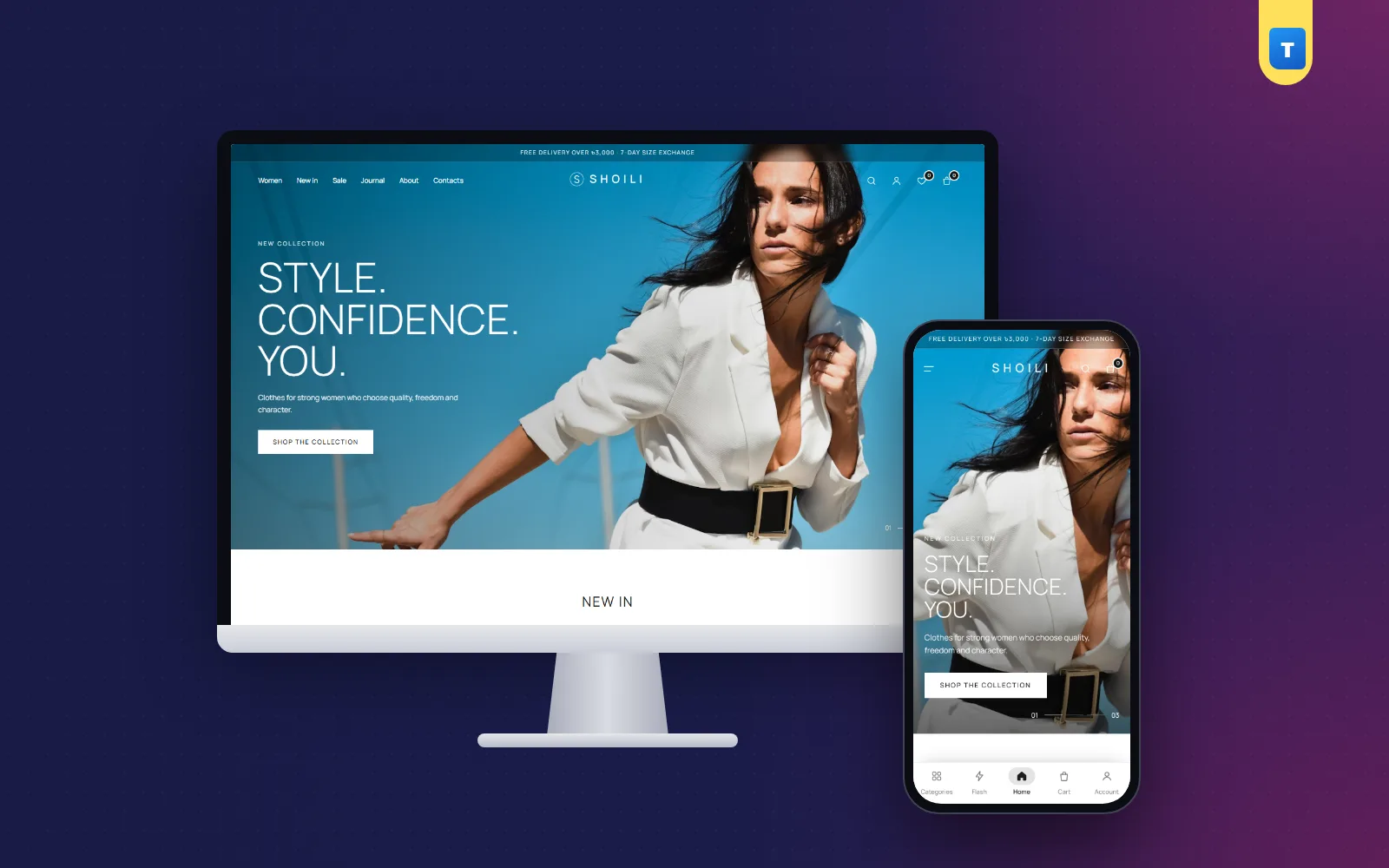
Shoili, our Laravel clothing store source code, has an editorial black-and-white storefront, size and colour variants with their own photos, size guides next to the size buttons, exchanges from the customer account, and Cash on Delivery, bKash, Nagad and SSLCommerz checkout with Pathao, REDX and Steadfast couriers.
Every block on its homepage can be renamed, reordered or hidden, so the clothing store web design becomes your own. You can open the live Shoili demo on your phone to see the layout ideas from this guide in a working shop.
Measure after launch
Once the site is live, watch a few numbers each week: how many visitors add something to the cart, how many finish checkout, which sizes are returned most and which products get many views but few orders. A product with many views and no orders often has a photo, price or size problem, not a demand problem.
Whatever you choose, test it with real buyers. Ask five regular customers to order from the new site while you watch. Where they hesitate is where the design needs work.
Frequently asked questions
What makes good clothing store web design?
Colour-true photos, a clear size guide, a short checkout, a fast phone layout and a calm design that lets the clothes stand out.
How many products should be on the homepage?
Enough to show new arrivals, best sellers and one sale block, usually four to eight per row. More belongs on category pages.
Should I use a slider on a fashion site?
One strong hero is usually better. If you use a slider, keep it to two or three slides and make the first one count.
How much does clothing store web design cost?
It depends on custom work. Starting from a ready fashion shop and changing photos, colours and texts costs far less than a full custom build.
What should a brand description include?
Who you are, who you design for, what makes your clothes different and how you make them, in a few short, honest paragraphs.