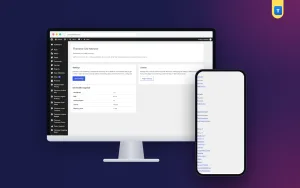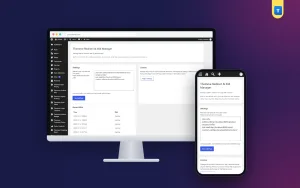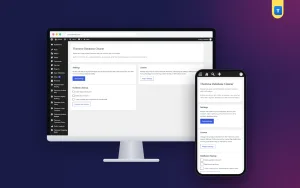
WordPress Database Cleanup Plugin Guide: Clean Safely, Not Blindly
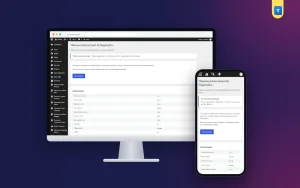
Years of edits leave thousands of revisions and stale temporary data behind. Here is how to clean them safely, with a backup and a confirmation step.
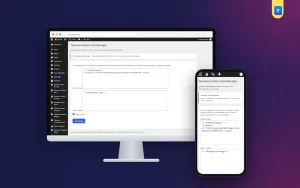
Years of edits leave thousands of revisions and stale temporary data behind. Here is how to clean them safely, with a backup and a confirmation step.
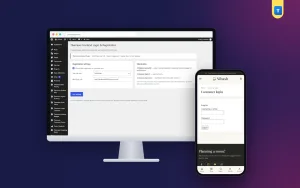
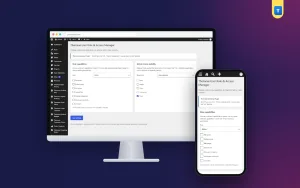
Making everyone an administrator is the most common WordPress risk. Here is how roles and capabilities work and how to give staff just enough access.

Every site eventually needs a tracking code or verification tag. Here is how to add snippets safely and keep them organised with Global Code Manager.

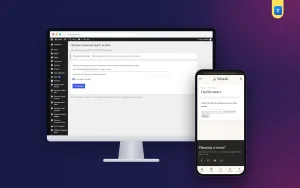
Students, members and customers should not land on the WordPress admin login. Here is how to give them branded pages and keep sign-ups safe.

When something breaks, support always asks the same questions. Here is what they mean, where to find the answers and how Environment Diagnostics helps.

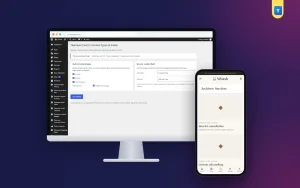
Services mixed with blog posts, a portfolio crammed into one page: here is how separate content types bring order, and how Custom Content Types & Fields helps.

Visitors who search are ready to act. Here is how to place search where they need it, make results useful, and add a form with Advanced Search.

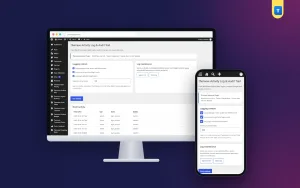
When several people work on a site, mistakes and mysteries follow. Here is how an activity log brings clarity and how Activity Log records it.

Most WordPress problems start small: an old PHP version, a forgotten plugin, low memory. Here is a simple monthly check and how Site Monitor helps.

Search results show a title and a short description before anyone clicks. Here is how to write both well, and how SEO Manager lets you set them per page.

Every renamed page leaves broken links behind. Here is how to plan redirects, find 404 errors and keep visitors landing in the right place.

Order emails in spam, contact messages that never arrive, password resets nobody receives. Here is why it happens and how SMTP fixes it.