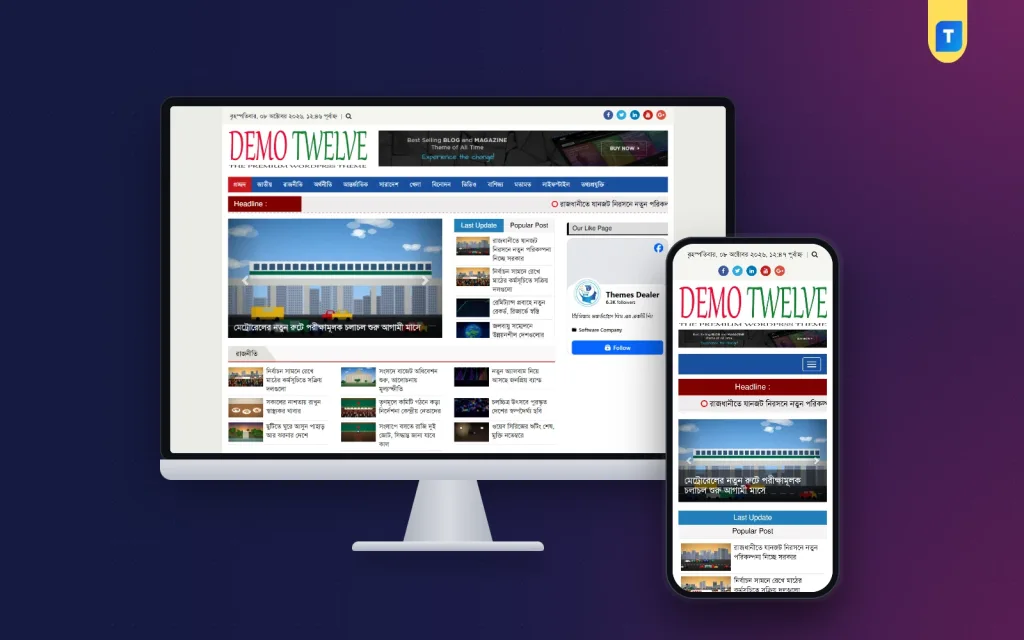
News aggregator examples are easy to find once you know what to look for, and they come in more shapes than most people expect. Some collect headlines from hundreds of sources. Others serve one small town, one industry or one language.
This guide explains what a news aggregator is, shows the main types with plain examples, and lists what makes a good one. It then walks through how to build your own the right way, including the permission rules that many beginners ignore. Use the headings to jump to the part you need.
What a news aggregator is
A news aggregator is a website or app that gathers stories from other sources and shows them in one place. The reader sees a headline, a short summary and a link to the original. Some aggregators show the full text when the owner allows it.
The main point is convenience. Instead of visiting twenty sites, a reader opens one page. The aggregator does the collecting.
A good aggregator usually has:
- Many sources, or a clear focus on a narrow topic.
- Clear credit to the original publisher.
- Categories, so readers find what they want fast.
- No duplicate stories.
- Regular updates through the day.
News aggregator examples by type
You do not need brand names to understand the field. These are the main types, each with a plain description of how it works.
1. The big search-engine news page
Large search companies run a news section that groups stories on the same event from many outlets. It uses software to sort and rank. Readers get a wide view, but the owner does not write anything.
2. The personal feed reader
These apps let a reader add feeds from favourite sites and read all of them in one list. The reader chooses the sources. Nothing is published to a public website.
3. The social news board
On these sites, users post links and others vote. The best-voted links rise to the top. The community acts as the editor.
4. The magazine-style app
Here the reader picks topics, and the app builds a personal magazine from many publishers. It looks like a printed magazine on a phone.
5. The topic or industry site
A small team collects stories on one subject, such as farming, banking, cricket or technology. The focus is what makes it useful. Readers trust it because it filters out noise.
6. The local or district portal
This type serves one city or district. It gathers local reports from partner sites and adds its own. These sites matter a lot in Bangladesh, where district news is often thin on big portals.
7. The media group network
A company that owns many sites uses a main portal to show stories from all its other sites. Content moves between its own websites, so permission is simple.
What these news aggregator examples have in common
Look at all seven types and a pattern appears. The good ones follow the same rules.
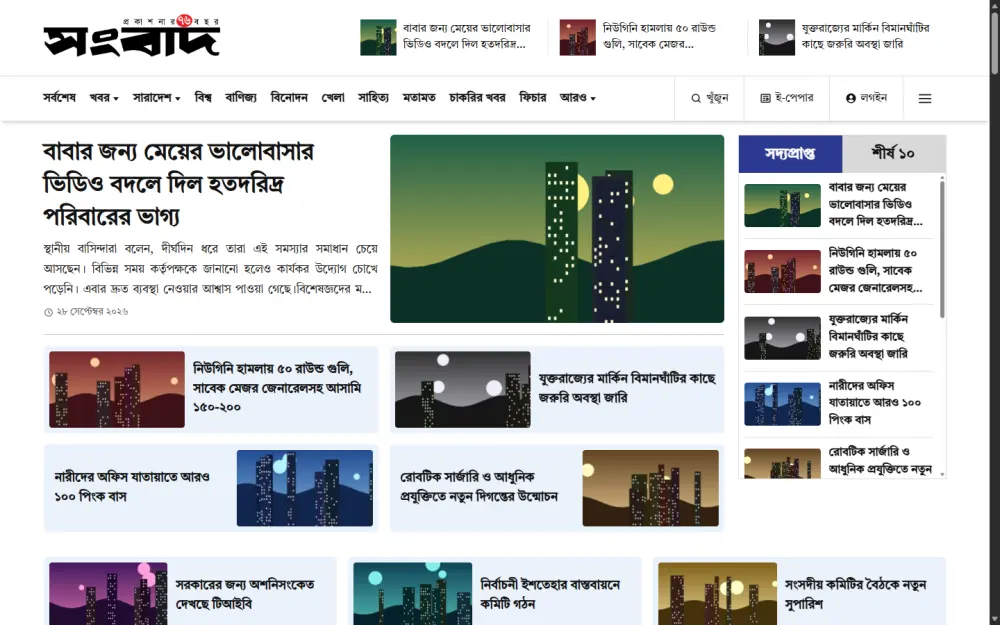
- They solve a specific problem. Saving time, filtering noise or serving one place.
- They credit the source. Every story links back to the original.
- They stay current. Old items are removed or pushed down.
- They are organised. Categories and clean pages.
- They respect the rights of publishers. They use feeds, partnerships or permission.
The weak ones copy everything, hide the source and flood the page with ads. Readers and search engines both lose trust in them quickly.
Which type should you build
Before you build anything, pick a type that fits your resources. Ask yourself these questions.
- Do you own several websites already? Build a media group network.
- Do you know a local area well? Build a district portal.
- Do you follow one industry closely? Build a topic site.
- Do you have partners who agree to share stories? Build a syndication site.
- Do you only want to read, not publish? Use a personal feed reader.
Narrow beats wide. A site for one district or one subject can win loyal readers. A general site that tries to cover everything competes with giants and rarely wins.
Permission first: the rule many beginners skip
A feed is public, but that does not mean you may republish the full text. Copyright still applies. Follow these rules from the start.
- Import only from sources you own, or sources that gave you written permission.
- Keep that permission in an e-mail or a signed note.
- Always show the source name and link back to the original.
- Where permission covers only a summary, show only a summary.
- Remove a story quickly if the owner asks.
- Add your own original reports, so your site is more than a copy.
This protects you from complaints and from search engines that dislike thin, copied pages. News aggregator examples that last for years all follow these habits.
How to create news aggregator website projects step by step
Here is a simple plan on how to create news aggregator website projects with WordPress, which is a common choice.
- Choose your focus: district, topic, group or partner network.
- Get written permission from every source you plan to use.
- Buy a domain and hosting. Pick a host with good speed in Bangladesh.
- Install WordPress and a clean news theme.
- Create your categories, such as national, sports and business.
- Install an import tool and add your sources one by one.
- Set a calm schedule for each category.
- Test with a few stories and read them on a phone.
- Add an about page, a contact page and a note on your content policy.
- Publish your own reports every week.
Give each step a day or two instead of rushing. The permission step takes the longest, because partners need time to reply. Meanwhile you can set up the theme, the categories and the pages. Do not rush to launch with hundreds of stories. Start small, fix problems, then grow.
Features to look for in an import tool
The tool you choose decides how much work you do each day. Check this list before you decide.
- Support for RSS feeds, the most common source type.
- Support for category page addresses when a source has no feed.
- Support for the WordPress REST API on WordPress sources.
- A schedule for each category, with start time, end time and daily limit.
- Duplicate protection.
- Removal of ads, scripts and share buttons from imported text.
- A visible source credit on every story.
- Logs, so you can see what was imported and what failed.
- A test button that previews a story before you save.
Think about your daily workload too. If an editor must press a button for every story, the tool saves little time. A good import tool runs on its own inside the hours you set, and it keeps a log so you can step in only when something fails.
Test any tool with one category for a week before you add the rest. This small trial shows how clean the imported text looks, how well duplicates are blocked, and whether the schedule fits your newsroom.
A ready-made option for WordPress
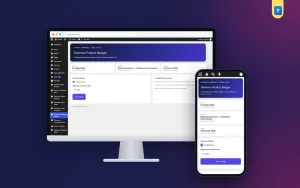
If you build on WordPress, one option is Auto News Sync. According to its listing, it imports category-wise news from RSS feeds, category page URLs or the WordPress REST API. It can work with source sites on any platform, and no login to the source site is needed.
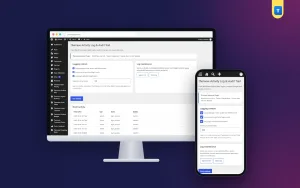
For each category you set a start time, an end time, an interval and a daily limit. It imports only today's news, oldest first, keeps the original headline and protects against duplicates.
It removes ads, scripts and share buttons, and it adds a source box that links to the original story. It is meant for content you are allowed to republish. Read the full feature list on the Auto News Sync page.
Make your aggregator more than a copy
Readers have little reason to visit a site that only repeats others. The strongest news aggregator examples add value of their own. Here are practical ways.
- Write a short original summary for the biggest story of the day.
- Add a local angle that other sites miss.
- Publish your own reports on the homepage next to imported ones.
- Create topic pages, such as an election page or an exam results page.
- Add a weekly roundup written by a person.
- Reply to reader comments and tips.
A site with a clear voice and some original work stands out from a plain feed.
Technical setup that keeps the site healthy
A news site with a steady flow of imports needs a little care behind the scenes.
- Use a fast host and a caching setup.
- Set a daily limit so the database does not grow too fast.
- Decide whether to store images on your server or load them from the source. Loading from the source saves space, but the source must allow it.
- Run a real server schedule instead of relying only on visitors to trigger imports.
- Check the import log each morning.
- Take backups before big changes.
Real-world news aggregator examples for Bangladesh
Here are practical news aggregator examples that fit Bangladeshi publishers. They are ideas, not company names, so you can adapt them to your own area.
- A district portal for Sylhet or Rajshahi. It collects reports from reporters in each upazila and from partner local sites, then shows them under one roof.
- A job and exam results site. It gathers circulars and result notices from official sources, with a clear link to each original notice.
- A business and bank news site. It brings together market updates, rate changes and company announcements.
- A cricket and sports hub. It pulls match reports from several partner writers on match days.
- A media group homepage. It shows the best stories from the group's own English, Bangla and regional sites.
- A university or education news site. It lists admission news, notices and campus stories.
Each of these news aggregator examples works because the focus is clear. A reader knows exactly why to visit.
How to judge whether an aggregator is worth reading
If you are a reader, or if you want to measure your own site, use this checklist.
- Does every story show its source clearly?
- Are the headlines the originals, not changed to mislead?
- Is the page quick to load on mobile data?
- Are there too many ads between stories?
- Are old stories removed or marked?
- Is there some original writing, such as a summary or an editor's note?
- Can you contact the owner?
A site that passes most of these points is worth following. A site that fails several is probably just a copy machine. When you study news aggregator examples, apply this list to each one and note what you would copy and what you would avoid.
Mistakes to avoid
- Copying without permission. It leads to complaints and lost trust.
- Hiding the source. Always credit the original publisher.
- Posting too fast. Forty stories at once looks unnatural. Use a steady interval.
- Too many sources. Start with a few good ones.
- No original content. Add your own reports.
- Ignoring the mobile view. Most readers use phones.
- No contact page. Publishers and readers must be able to reach you.
If you want to read more on the technical side, the official WordPress documentation is a good, reliable reference.
Frequently asked questions
What are some news aggregator examples?
Common types are search-engine news pages, personal feed readers, social news boards, magazine-style apps, topic sites, district portals and media group networks.
What is the best of the news aggregator examples for a small business?
A topic or district portal is usually the best fit, because a narrow focus is easy to manage and gains loyal readers.
How to create news aggregator website projects with WordPress?
Pick a focus, get permission from your sources, install WordPress and a news theme, then add an import tool with a schedule for each category. Test before you launch.
Is it legal to republish news from other sites?
Only with the owner's permission, or from your own sites. A public feed does not give you the right to copy full stories. Always credit the source.
Do I need a login for the source site?
No. A feed address or a category page address is usually enough.
How often should stories be imported?
Set an interval and a daily limit for each category. A steady flow, such as one story every 20 minutes, looks more natural than a big batch.
Will an aggregator rank well in search?
No one can promise that. Sites with original content, clear sources and good structure have a better chance than plain copies.