Looking at good cookie consent examples is the fastest way to learn what a clear banner says and where it sits on the page. You see the wording, the buttons and the link to the privacy policy, and you can copy the structure for your own site.
This guide goes through simple banner types with ready-to-adapt wording, the mistakes that make a banner annoying or confusing, and the steps to set one up on a WordPress site. It is written for small businesses in Bangladesh and elsewhere who sell to local buyers and sometimes to customers abroad. It is general information, not legal advice.
What a cookie banner is for
Before looking at any cookie consent examples, it helps to know what cookies are. Cookies are small files a website saves in a visitor's browser. Some are needed for the site to work, such as the one that keeps a shopper logged in or remembers a cart. Others are optional, such as those that count visits or measure ads.
A cookie banner does three jobs:
- It tells the visitor, in plain words, that your site uses cookies.
- It explains why, and points to your privacy policy.
- It lets the visitor make a choice, and remembers that choice.
A banner is a way to be honest with visitors. Done well, it takes two seconds and builds trust.
It also helps to know the common cookie types, because your banner text should match them:
- Necessary cookies keep the site working: login, cart, security.
- Statistics cookies count visits and show which pages people read.
- Marketing cookies follow visitors across sites so ads can be shown to them later.
- Preference cookies remember choices such as language.
If your site sets none of the optional types, say so in a single honest sentence. If it sets some, name them in simple words.
Do you need a cookie banner?
It depends on who visits your site and what your site does. Laws differ by country, and they change. In general:
- If you sell to or advertise to people in Europe or the UK, a cookie notice is usually expected.
- If you run ads that track visitors, or use analytics that set cookies, a notice is good practice almost everywhere.
- If your site is purely local and sets only the cookies it needs to work, the rules may be lighter, but a short notice still shows respect.
Ask a lawyer if you handle sensitive data or large volumes. A banner on its own does not make a site legally compliant.
Cookie consent examples: the basic banner types
Most banners on the web fall into a handful of patterns. Here are the four you will meet most often.
1. The simple notice bar
A thin bar at the bottom of the screen with one sentence and one button. It suits sites that only set essential cookies and want to say so.
2. The two-button banner
A bar or small box with an Accept button and a Reject button of equal size. This is the fairest pattern, because both choices are as easy as each other.
3. The preference panel
A banner with a "Manage choices" link that opens a list of cookie categories (necessary, statistics, marketing) with switches. It suits larger sites with many tools.
4. The pop-up box in the corner
A small card in a corner of the screen. It takes less space than a full-width bar and works well on phones when the text is short.
For most small WordPress sites, the two-button banner is the right choice. It is clear, short and does not slow the page.
Cookie consent examples of wording you can adapt
Good wording is short, plain and honest. These cookie consent examples are starting points, not fixed text. Here are samples. Change the details to match what your site really does.
- Simple: "We use cookies to make this site work and to understand how it is used. Read our privacy policy to learn more."
- Two buttons: "We use cookies to improve your visit. You can accept all cookies or reject the optional ones. Privacy policy."
- For a shop: "We use cookies to keep your cart and to see which products people like. You can reject the optional ones and still shop."
- For a blog: "This blog uses cookies to count visits. We do not sell your data. See our privacy policy for details."
- Bilingual: "We use cookies on this site. Amra ei site-e cookie byabohar kori. Privacy policy dekhun." Use proper Bangla script if your readers prefer it.
Notice the pattern in these cookie consent examples: one or two sentences, a reason, a choice and a link. None of them use fear or pressure.
What makes a good banner
- Short text. Two sentences at most. Few people read more.
- Plain language. Say "cookies" and explain why. Avoid legal phrases nobody understands.
- Equal buttons. Accept and Reject should look equally easy to press.
- A privacy policy link. The link should open a real page that matches what you do.
- A remembered choice. The banner should not come back on every page.
- Readable on a phone. Buttons big enough to tap, text not covering the whole screen.
- It matches your site. Same fonts and a calm colour, not a bright pop-up.
Cookie consent examples that cause trouble
Some patterns look common but frustrate visitors or cause problems. Avoid these.
- Only an Accept button. If rejecting is hidden or impossible, the choice is not real.
- A giant wall of text. Visitors scroll past it without reading and the banner does not do its job.
- A banner that covers the whole page. This pushes people to click anything just to read your content.
- Pre-ticked boxes for marketing cookies. Consent should be an active choice.
- A banner that returns on every page. This means the choice was never saved.
- Claims you do not meet. Do not say "we do not track you" if your site loads an ad pixel.
How to implement cookie consent in website projects, step by step
If you wonder how to implement cookie consent in website pages that are already live, follow this order. It works for WordPress and for most other sites.
- List your cookies. Check which tools set them: analytics, ad pixels, chat widgets, video embeds, payment tools and your theme.
- Sort them. Mark each one as needed for the site to work, or optional.
- Write or update your privacy policy. Describe what you collect, why, and how long you keep it.
- Choose a banner type. For a small site, the two-button banner is enough.
- Write the banner text. Use one of the wording samples above.
- Add the banner to your site. Use a plugin or your theme's own option.
- Decide what Reject means. Set your analytics and ad tools so they respect the choice.
- Test it. Open the site in a private window, check the banner, press each button, reload and confirm the choice is remembered.
- Review it. Revisit the setup every few months and whenever you add a new tool.
Where to place the banner and how to style it
Placement changes how many people read the message. Most cookie consent examples use one of three positions:
- Bottom bar. The most common position. It stays out of the way of your header and menu.
- Bottom corner box. Small and polite, and good for short text.
- Centre pop-up. Hard to ignore, but it blocks the page, so use it rarely.
For style, keep it simple. Use your site colours, a readable font size of at least 14 pixels, and strong contrast between text and background. On a phone, keep the banner under a quarter of the screen height, so the visitor can still see the product or article behind it.
A banner records a choice; it does not block scripts by itself
This point surprises many site owners. A basic banner shows a message and remembers whether the visitor pressed Accept or Reject. By itself, it does not stop other scripts from running.
If your site loads analytics or ad tracking, you need to set those tools to wait for the visitor's choice, or to load only when optional cookies are accepted. Many analytics and ad tools have a setting for this. Check each tool's documentation.
The simplest option for a small site is to use fewer tools. If you do not run ads that track people, you may need only one or two cookies, and the banner becomes a short, honest notice.
Cookie banners for Bangladeshi online shops
A shop in Dhaka or Chattogram may not think about cookie rules, but a few points still apply.
- Facebook and Google ads. Pixels set cookies. If you run ads, tell visitors, and keep your policy accurate.
- Customers abroad. Many shops ship to buyers in the UK, Europe, the Gulf and North America. A cookie notice helps those visitors trust you.
- Payment pages. bKash, Nagad and card payment pages set their own cookies. Mention that third-party payment tools may do so.
- Language. If your customers read Bangla more easily, write the banner in Bangla, or in both languages.
- Keep it light. Many visitors use mobile data. A heavy banner script adds delay on the first screen.
A ready-made option for the simple banner
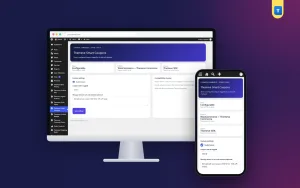
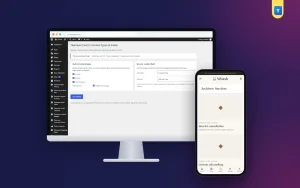
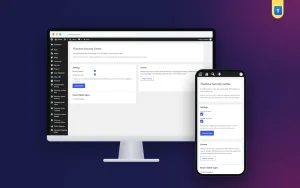
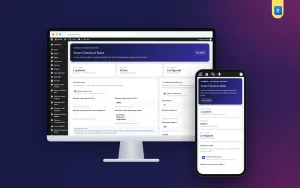
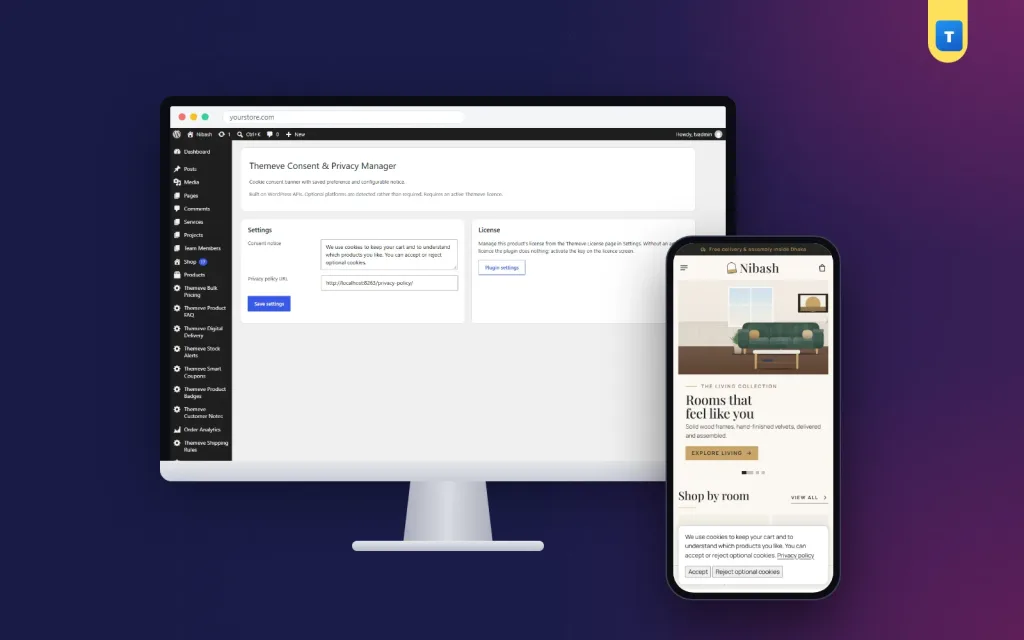
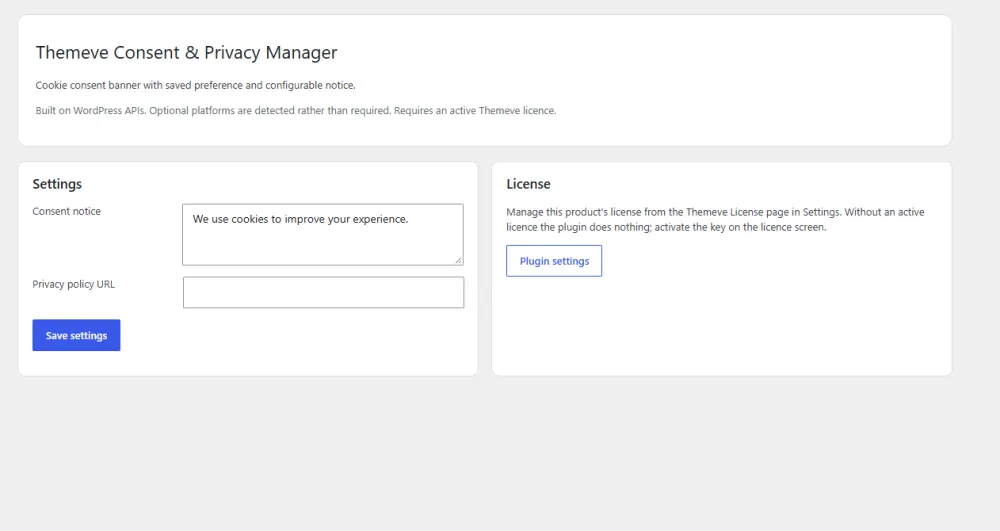
Consent & Privacy Manager is a cookie consent plugin that adds the two-button banner described above to a WordPress site. It keeps the setup short:
- You write the banner text in your own words, so the tone matches your site.
- You add a link to your privacy policy page.
- Visitors see an Accept button and a Reject optional cookies button.
- Their choice is remembered in their browser, and the banner stops appearing once they choose.
If you want to try Consent & Privacy Manager, write the banner text first, using one of the samples above. It is light, has one simple settings screen, works with any WordPress theme, and needs no outside subscription service.
As explained above, a banner records the choice and does not block other scripts on its own. If you add analytics or ad tracking, set those tools to respect a Reject choice. And check what the law requires for your business, because a banner alone does not make a site compliant.
A simple privacy policy to match the banner
The banner links to your privacy policy, so the policy has to be clear. Cover these points:
- What personal data you collect (name, phone, address, email).
- Why you collect it (to deliver orders, answer questions).
- Which cookies you use, and for what.
- Which third parties receive data (courier, payment provider, analytics).
- How long you keep it.
- How a visitor can ask you to correct or delete their data.
- Your contact details.
Keep it written in everyday language and update it whenever you add a new tool.
Checklist before you go live
- The banner text is two sentences or fewer, like the best cookie consent examples.
- Accept and Reject are equally easy to press.
- The privacy policy link works and the page is up to date.
- The choice is remembered after a reload.
- The banner looks fine on a small phone.
- Analytics and ad tools follow the visitor's choice.
- You tested in a private window and on a second browser.
If you want to read more on the technical side, the official WordPress documentation is a good, reliable reference.
Frequently asked questions
What are good cookie consent examples for a small shop?
A two-button banner with one or two sentences works well. Say you use cookies for the cart and for counting visits, offer Accept and Reject, and link to your privacy policy.
Where can I find cookie consent examples of wording?
Use the samples in this guide as a base. Adjust them so they describe the cookies your site really sets, and keep the language simple.
How to implement cookie consent in website pages without coding?
Use a plugin. In WordPress you install it, write the banner text, add your privacy policy link and save. Then test the banner in a private window.
Does a cookie banner make my site legally compliant?
No. A banner is one part of the picture. You also need an accurate privacy policy and tools that respect the visitor's choice. Check the rules that apply to your business.
Should the Reject button be as visible as Accept?
Yes. Equal buttons make the choice fair and keep visitors comfortable.
Will a banner slow my site down?
A light banner adds almost nothing. Heavy banner services that load many scripts can add delay, so choose a simple one.